44
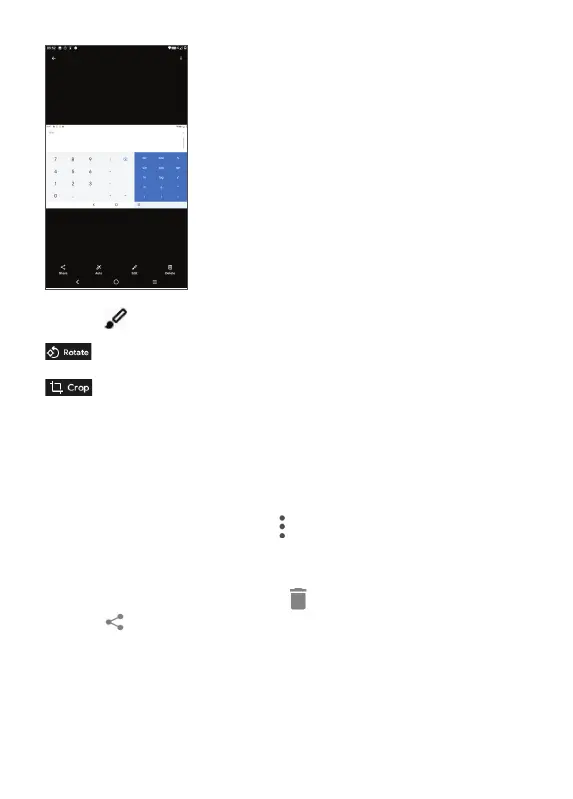
Touch to edit:
Rotate the picture.
Crop the picture.
Batch operation
The Gallery provide a multi-select function, so that you
can work with pictures/videos in batches.
On Gallery screen, touch
and touch Select items to
activate batch operation mode (you can also long press
one album/picture), then touch videos/pictures you
want to work with. Touch
to delete selected files.
Touch
to share selected files.



 To Next Page