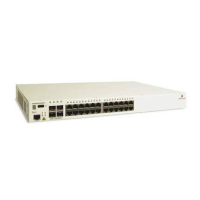
Combo RJ-45 10/100/1000
The OS6855-U24 provides two combo 10/100/
1000BaseT
.
By default, when an SFP is installed in a combo port, it
takes over the port number of the corresponding RJ-45
Ethernet port. In other words, if an SFP is installed in
the slot labeled 24, Ethernet port 24 would no longer be
available and cannot be used for 10/100/1000 traffic.
This default setting is referred to as “preferred fiber.”
Refer to “Configuring Ethernet” in the Network Con-
figuration Guide for detailed information, including
steps for configuring combo port settings
.
1000Mbps SFP
The OS6855-U24 provides 22 non-combo SFP
connectors (1–22) and 2 combo SFP connectors
(24-24) for supported SFP transceivers.
Status LEDs
For information on the OS6855-U24’s sta-
tus LEDs, refer to page 2-21.
USB Port
Console Port
The OS6855-U24 front panel
provides one RJ-45 port for
console connections. Console
connections are used by net-
work administrators for
switch management. This
female RJ-45 connector pro-
vides a DTE console connec-
tion.



 To Next Page
 Loading...