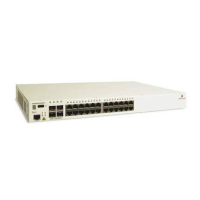
Mounting OS6855-24 and OS6855-U24/U24X Hot-Swapping Power Supplies
OmniSwitch 6855 Series Hardware Users Guide September 2011 page 3-11
Hot-Swapping Power Supplies
OmniSwitch 6855 Series switches support hot-swapping of their power supplies. The following sections
describe how to hot-swap a power supply either directly connected (i.e., without a cable) or rack-mounted
power supply.
Warning: Before proceeding, ensure a redundant power supply is connected and operational.
Anti-Static Warning. Before handling any components, free yourself of static by wearing a grounding
strap, or by grounding yourself properly. Static discharge can damage the switch and the backup power
supply.
Hot-Swapping a Power Supply Directly Connected to the Chas-
sis
1 Disconnect the power supply to be hot-swapped from its power source.
2 Loosen the captive screw of the power supply to be hot-swapped.
3 Carefully slide the power supply out of the power supply tray and set aside.
Directly Connected Power Supply
4 Carefully slide the new power supply onto the tray and against the back of the chassis until the power
connector securely connects
5 Tighten the captive screw for the new power supply to the power supply tray.
6 Re-connect the power supply to its power source.



 To Next Page
 Loading...