8
Helping People Live Better
• Fullls the terms of Alen’s Lifetime Limited Warranty which states that the lters are re-
quired to be changed on a regular basis in order to prevent excessive stress on the unit.
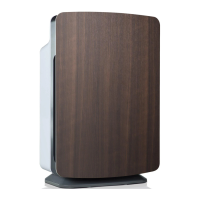
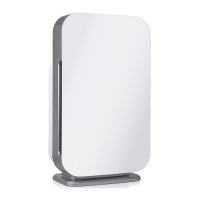
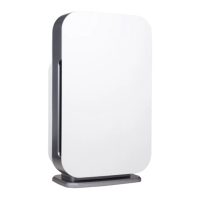
• You have bought an Alen HEPA Air Purier to improve the quality of your indoor air.
Changing your lters will maintain the level of air quality you require. Excessively dirty
lters can compromise the level of clean air your air purier can provide.
Alen’s AutoShip
Regular replacement of your lter will extend the life of your air purier and keep your air pure.
Alen lters provide efcient ltration for 6 months of heavy usage, and 8 months of moderate
usage. With Alen’s convenient AutoShip Filter Plan your lters will be shipped FREE right to
your door, exactly when needed.
— Get FREE SHIPPING on every lter.
— Your lters are delivered right to your door exactly when needed.
Choose your desired monthly frequency and cancel at anytime.
— An Alen Auto Ship plan is the convenient way to extend the
life of your air purier and benet from the Lifetime Limited Warranty.
To sign up and save just visit AlenCorp.com/lters or call 1-800-630-2396.
How To Replace The Filter
1. Always unplug the unit when installing a lter.
2. Distinguish the front side from the back side of the lter. The front side has a foam like
Pre-Filter attached with Velcro
®
.
3. Place the used lter in a plastic bag to prevent dust from re-entering the air.
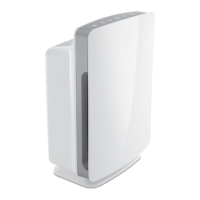
1. With the unit standing upright,
pull out the lower left or right
corner of the front cover.
2. After pulling out, lift the cover
away from the unit.


 To Next Page
 Loading...