Set up your Echo Dot in the Alexa app
Open the Alexa app to set your Echo Dot. Log in with an existing Amazon account
username and password, or create a new account. If you aren’t prompted to set up your
device after opening the Alexa app, tap the More icon to add device manually.
The app helps you get more out of your Echo Dot. It’s where you set up calling and
messaging, and manage music, lists, settings and news.
For help and troubleshooting, go to Help & Feedback in the Alexa app or visit
www.amazon.com/devicesupport.
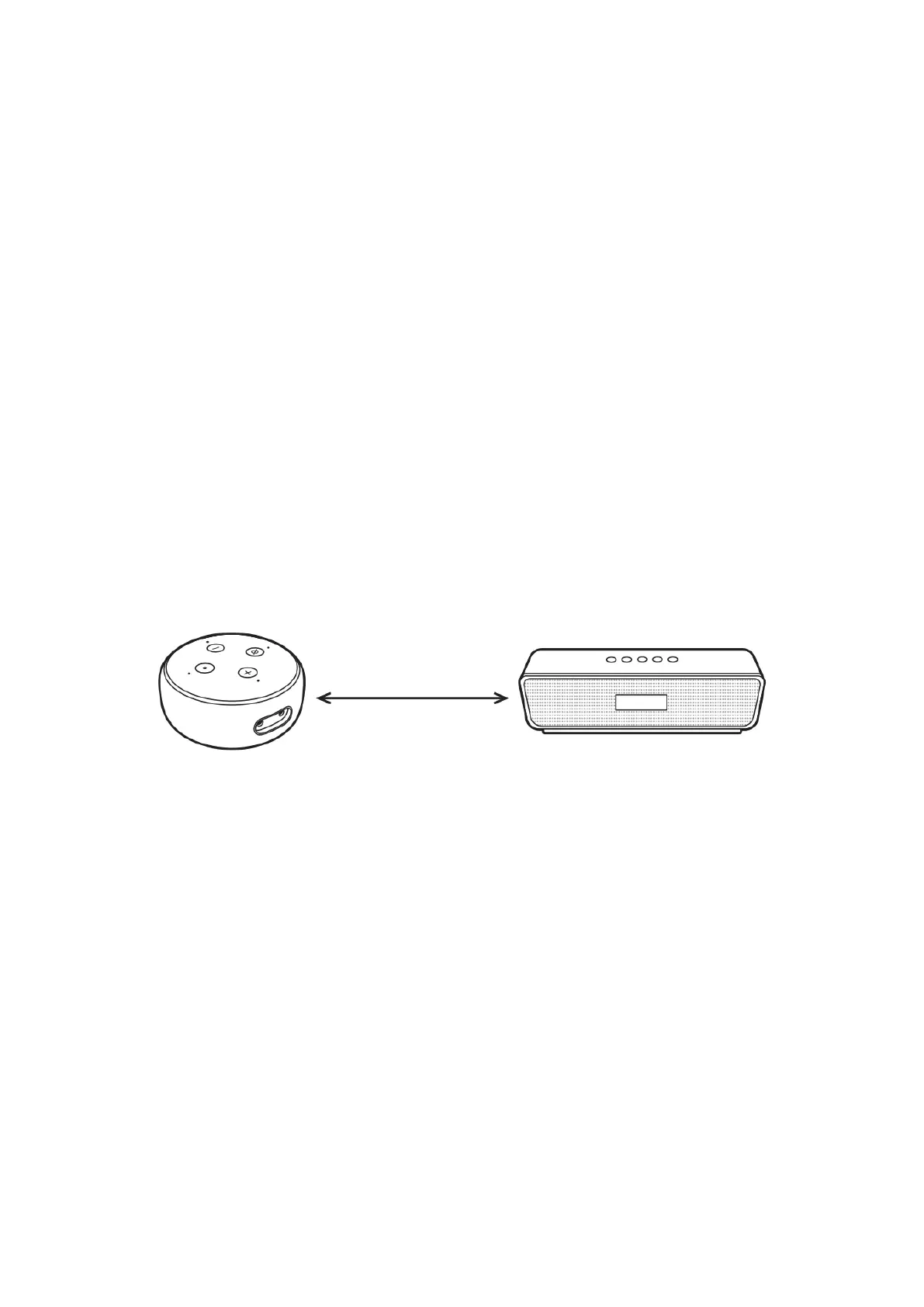
Optional: Connect to a speaker
You can connect your Echo Dot to a speaker using Bluetooth or an AUX cable. If you are
using Bluetooth, place your speaker at least 90 centimetres away from your Echo Dot for
optional performance. If you are using an AUX cable, your speaker should be at least 15
centimetres away.
Min. 90 cm for Bluetooth
Min. 15 cm for AUX


 To Next Page