3
Operation
Instruction
1.Setting
2.Content Playing
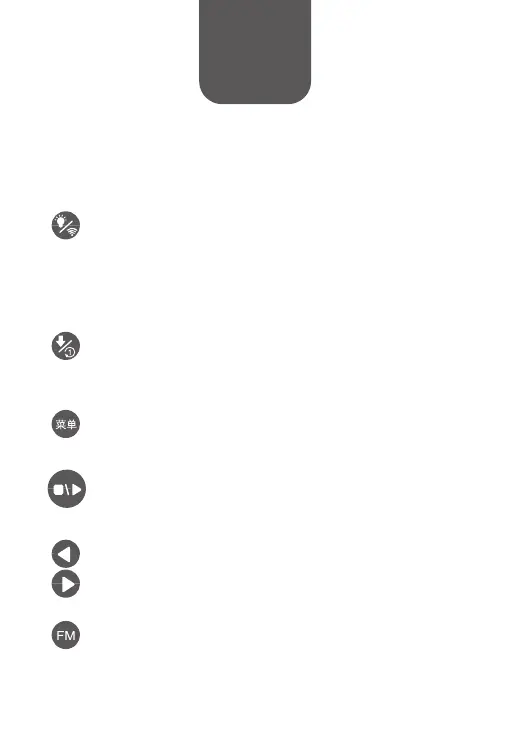
Ear Light/Network Setting
Click to turn on/off ear lights; press for 3 seconds to set
up network (network set-up is only needed for first time
operation, please refer to the “Wi-Fi Connection Instruction”).
Play/Pause
Click to play/pause; long press to turn on/off the “child lock”
function.
Previous/Next
Click for previous/next track.
Download/Repeat
Click to switch customized play lists; long press to switch
between “repeating song” and “repeating album”.
Menu
Click to switch preload play lists; long press to turn on/off the
“timed shutdown” function.
FM
Click the “FM” button to listen to “Huohuotu FM” at 19:00-23:00
everyday.


 To Next Page