finished the program setting, press ”MANUAL” ,the bottom of screen will show tge “ON AUTO” or ”AUTO OFF”
3. after finishing setting, please press “
”, then you can check the groups and times of setting switch when, or please modify
as following setting steps if you need to modify procedures。
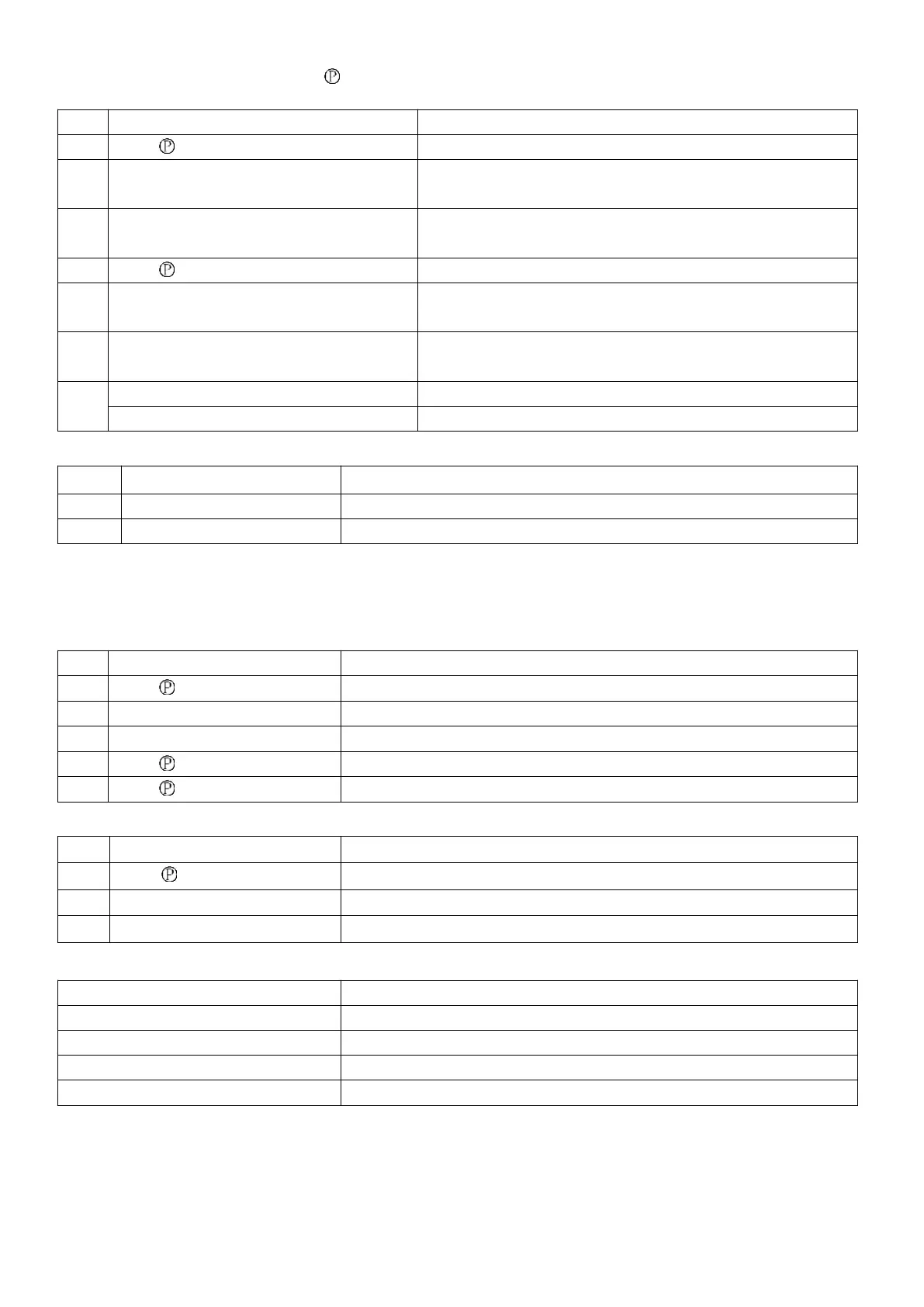
Enter into regular ON setting(display 1 ON)
Press H+ or M+
(or Press the” MANUAL” key to clear the time)
Press D+
(if it is same every day, do not press the key)
Setting: Every day, MO-FR, MO-SA, SA-SU, MO-WE, TH-SA, MO
WE FR, TU TH SA
Into setting timer OFF(displays 1 OFF)
Press H+ or M+
(or Press the” MANUAL” key to clear the time)
Press D+
(if it is same every day, do not press the key)
Setting: Every day, MO-FR, MO-SA, SA-SU, MO-WE, TH-SA, MO
WE FR, TU TH SA
Exit the program settings
Summer display time setting:
The present time increase 1 hour(“1h” display of bottom- left corner LCD )
Summer time cancel , go back the present time.
Description:
This setting is only to set displayed present time, but not change time of switch program that has been set. if program switch ne
eds to run according to DST, please set it in setting program of program groups.
Countdown: "d" display at bottom left corner of LCD
Setting countdown minutes and seconds(Range:1sec~99min59sec)
Return to start countdown
Auto time error correction day: "1d"display at bottom-left corner of LCD(setting range -3~3sec)
Setting 3 seconds ~ -3 seconds, 0.5 seconds to add
Manual control on and off(Cycle to press ”MANUAL”)
Automatic on/off state, it is on now
Automatic on/off state, it is off now
Check accumulated working time and action times
When you want to know equipment running time and action times , press”
” and “Manual” ,and the screen will display working
time (h) and times (P) circularly. And multiply the display number by 10 to get the real time and times.(max:99990 & 99990t)
For example: “h0013” and “p0021” .accumulated working time is 130 hours and action times is 210 times.


 To Next Page
 Loading...