15
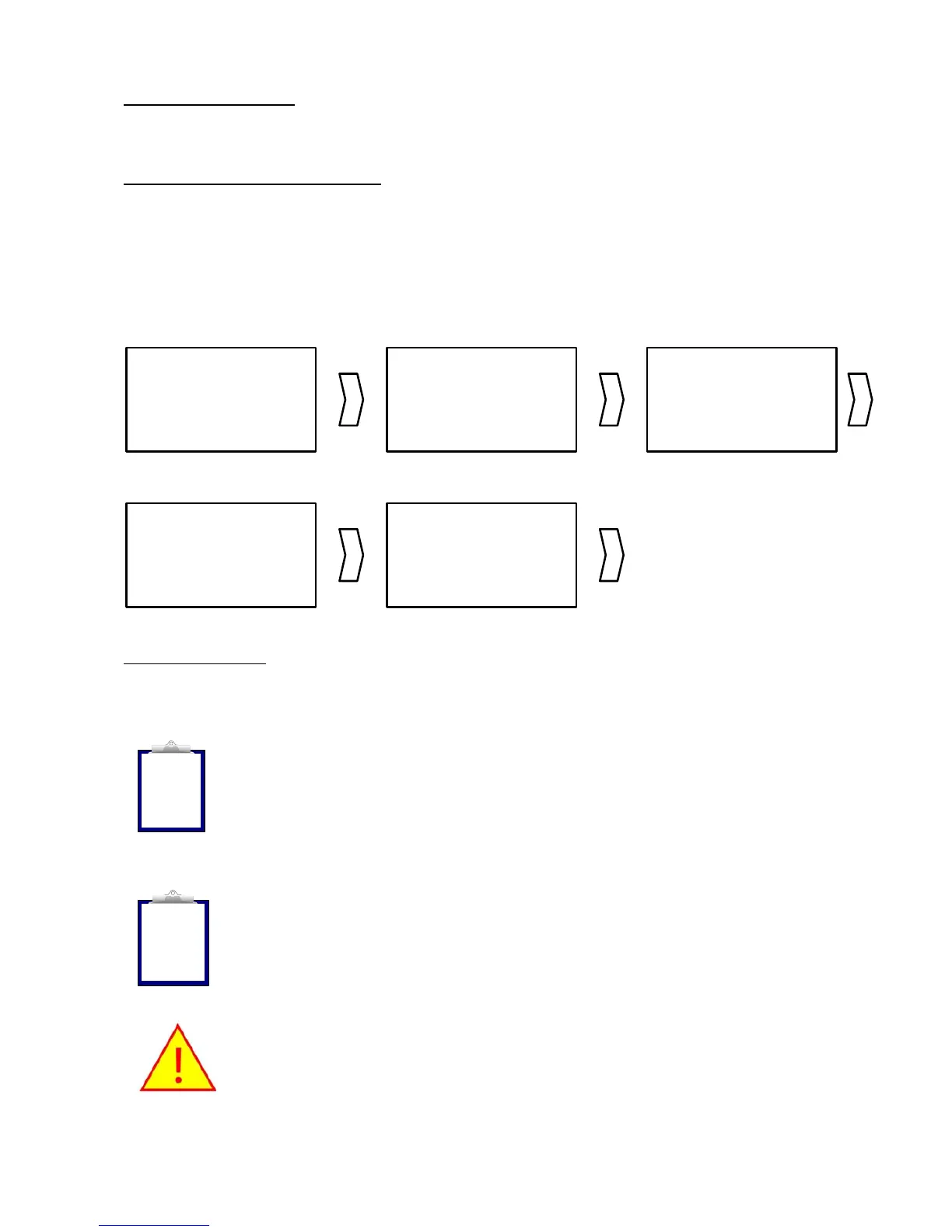
To access the menu
, double-click on the green READ button when the Stick Reader
is awake. Press the READ button quickly to switch to the next menu function.
To execute a menu function
, whilst the menu function you require is displayed
(“New Animal Group” for example), press and hold down the READ button for 5
seconds. A countdown appears at the bottom right of the LCD readout and is
accompanied by a beep. The function is only executed once the countdown has
reached ‘0’ and a long beep is sounded. A confirmation message is then displayed on
the readout.
NEW ANIMAL
GROUP
- BY LONG
PRESS
RESET
COUNTER?
- BY LONG
PRESS
RESET CONFIG?
- BY LONG
PRESS
ENABLE
BLUETOOTH
- BY LONG
PRESS
FIRMWARE
VERSION
QUIT
MENU
To quit the menu
, press the READ button quickly when the last function is displayed
on the readout, or simply wait a few seconds.
Note 13 - Function execution is cancelled if the READ button is released
before the countdown reaches ‘0’.
Note 14 - The Stick Reader automatically closes the menu if no action
occurs for 3s.
It is impossible to read a tag when the menu is activated.
i
i



 To Next Page