39
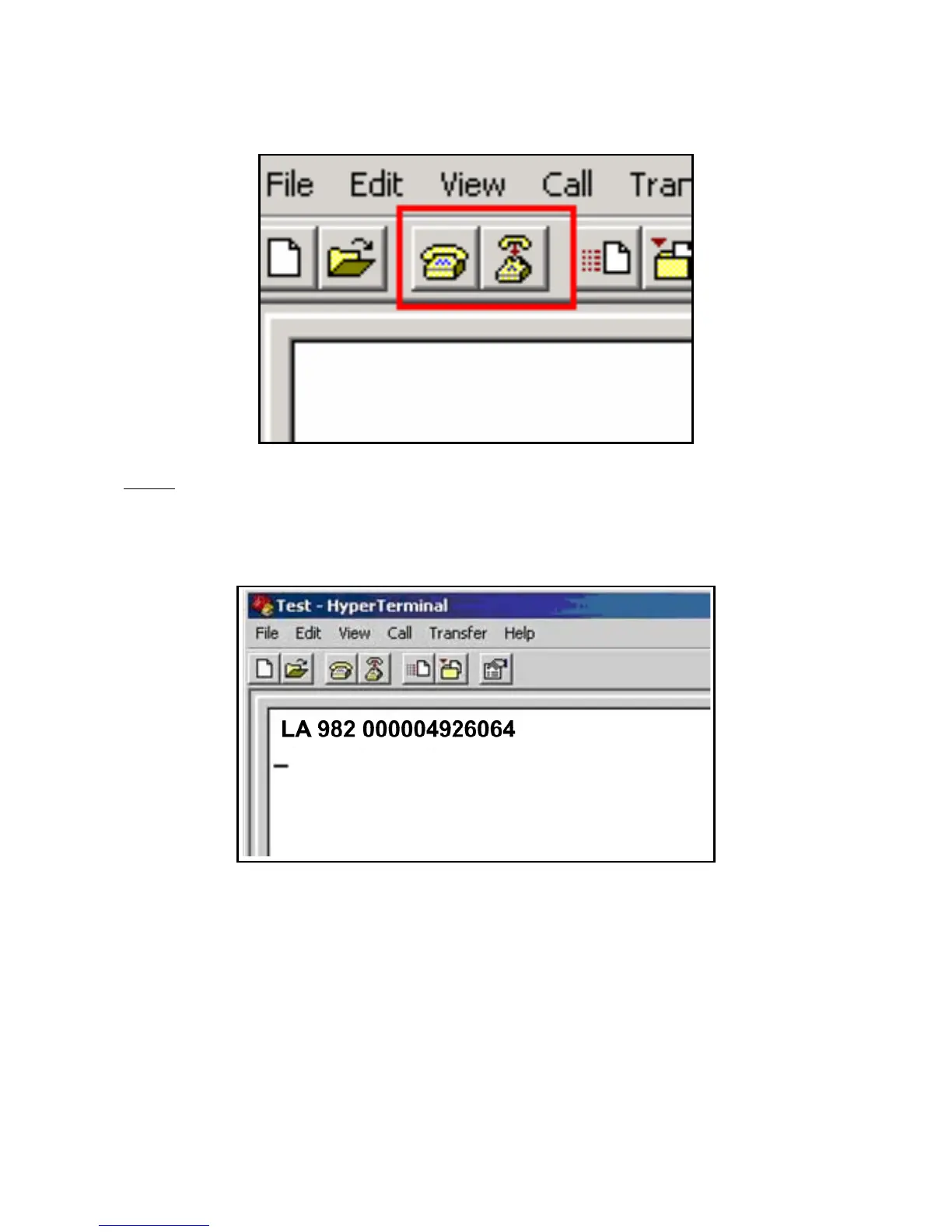
If you wish to disconnect or re-connect at any time you can use the two buttons in the
top left corner of your HyperTerminal® Window.
Step 6
- Next, be sure that your Stick Reader is turned on and press the READ button.
Bring a tag into the read zone. Observe the green light briefly flash, indicating a
successful read. The HyperTerminal® window, should now display the ID code for
the tag just scanned.
Even if the user intends to use a program other than HyperTerminal®, completing the
steps above ensure that (a) the Stick Reader’s operation and communication is
verified and (b) the user becomes familiar with the basic operation of both the Stick
Reader and HyperTerminal® as a backup application to other specific data transfer
such as NLIS Link (Australia only).



 To Next Page