Chapter : Chapter 1: Overview
36
10/1000BASE-T/
100BASE-TX
Link/Activity/
Speed LED and
Duplex/Collision
LED
On GS970M/10, GS970M/18 and GS970M/28 switches, the Link/Activity/
Speed and Duplex/Collision LEDs provide information about the 10/
1000BASE-T and the 100BASE-TX ports.
These switches indicate Link/Activity/Speed and Duplex/Collision status
with two LEDs for each port (
Figure 20). For each port:
the left LED corresponds to Link/Activity/Speed
the right LED corresponds to Duplex/Collision status
All of the port LEDs are OFF when the switch is operating in the low
power mode. To toggle on the LEDs, use the ecofriendly button. See
“ecofriendly button” on page 41 for more information.
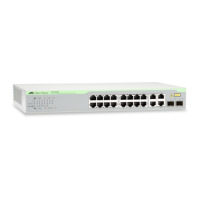
FIGURE 20. LINK/ACTIVITY/SPEED AND DUPLEX/COLLISION LEDS
10/100/1000 Mbps ports
Link/activity/speed LED
Duplex Mode LED



 To Next Page
 Loading...