EasyManua.ls Logo

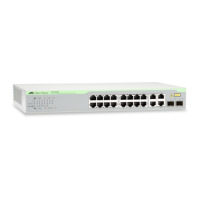
Allied Telesis CentreCOM GS970M Series - Figure 35. Mounting Ags970 M;18, Gs970 M;18 Ps or

Allied Telesis CentreCOM GS970M Series
100 pages
Print Icon
To Next Page IconTo Next Page
To Previous Page IconTo Previous Page
Loading...
Chapter : Chapter 2: Installation
62
3. Mount the switch in a 19-inch equipment rack using four equipment
rack screws (supplied with the equipment rack) (Figure 35).
FIGURE 35. MOUNTING A GS970M/18, GS970M/18PS OR
GS970M/28
SWITCH IN AN EQUIPMENT RACK
4. Go to “Cabling the switch” on page 69

M
AC Ad
dress
La
b
el

Table of Contents

Other manuals for Allied Telesis CentreCOM GS970M Series

Related product manuals