© ALLNET GmbH Munich 2013 - All rights reserved.
Note: Due to the bi-directional structure of the ALL95100 Surge arresters
the input and output side is arbitrary exchangeable.
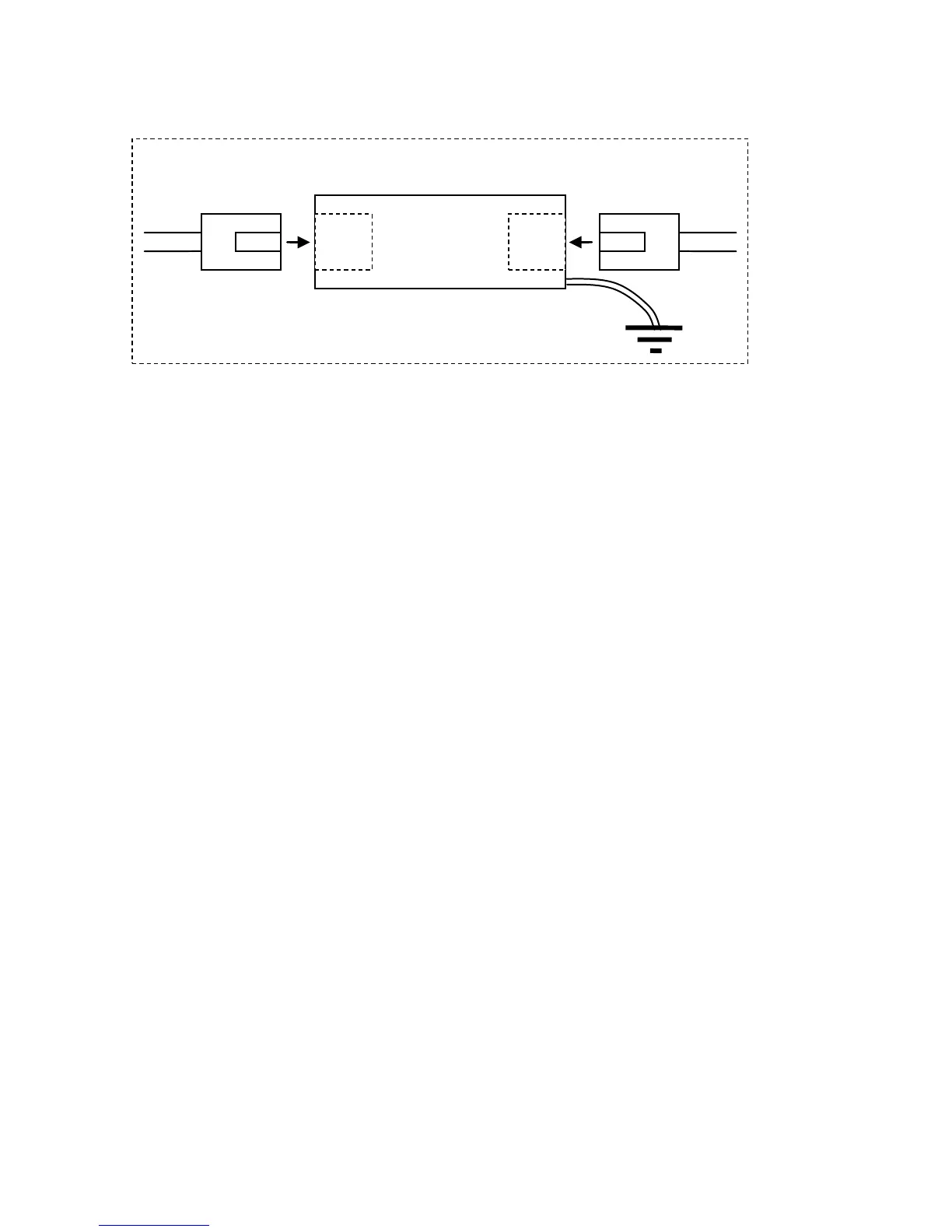
Installation
1. Power off the device which should be prevented.
2. Disconnect the network cable from the device which should be
prevented.
3. Connect this network cable with one port of the ALL95100.
4. Connect one end of another network cable with the second port
of the ALL95100.
5. Connect the other end of this network cable to the device which
should be prevented.
6. Connect the yellow-green ground wire with an external
grounding conductor.


 To Next Page
 Loading...