Allora 2
9
3 - How to switch on/off the Allora
Press the on/off key briefly to turn on the Allora. This key can be found
in the top right corner of the keyboard. It will take approximately 25 seconds to
boot up. During start up the on/off indicator will slowly flash. When the power
indicator remains green the unit has completely booted and is ready to use as
soon as the cursor appears on the screen.
You can now type a message on the keyboard. Press the Enter key to
hear the message.
Briefly pressing the on/off key again will put the Allora in standby mode. The on/
off indicator now lights up every 4 seconds. In this state the power consumption
of the Allora is minimal. Briefly press any key to wake up the Allora from its
standby mode.
Press the on/off key for about 5 seconds to completely switch off the Allora.
3.1 Reset
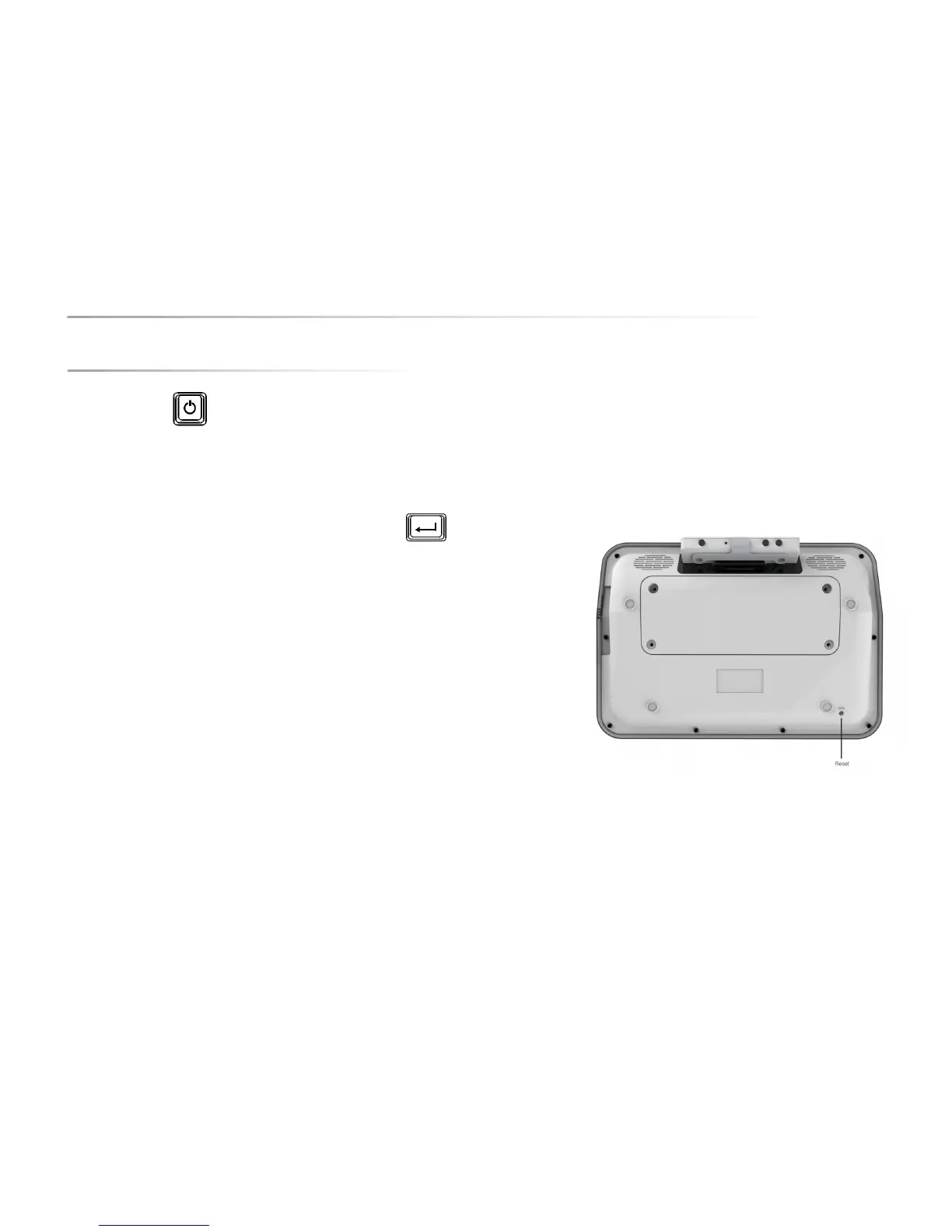
If the Allora becomes inactive (e.g. because of an electro static discharge on a
connector), you can reset the unit by pressing the Reset button. The unit will be
forced to turn off, press the on/off button again to restart the Allora.
You can find the Reset button on the underside of your device.


 To Next Page
 Loading...