7
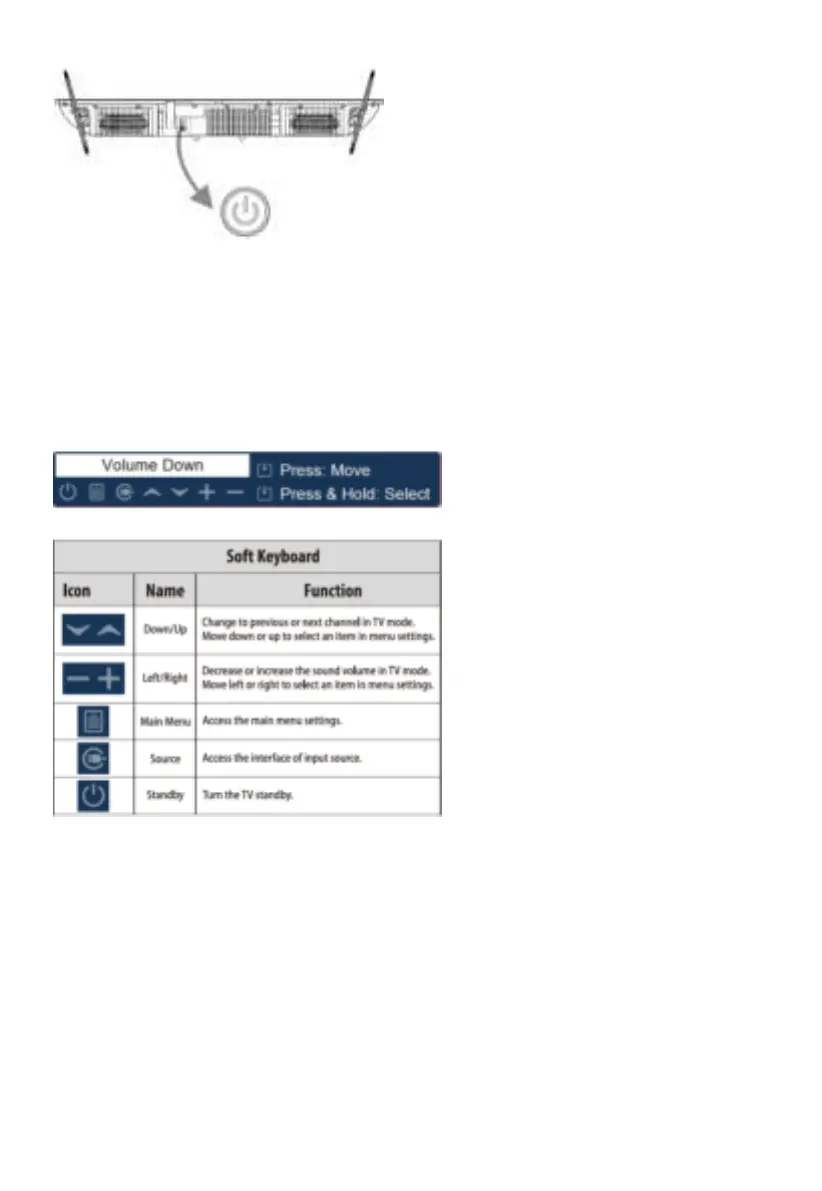
TV Control Button
Note: The picture is only for reference.
1. Turn on the TV: In standby mode, short press the TV button to turn on the TV.
2. Soft keyboard function: After turning on the TV, short press the TV button to display the following soft
keyboard at the bottom of the screen. Short press the TV button to select the item you want. Long press
the TV button to enter the item you have selected.



 To Next Page