16. Developer options
Settings and options for Android™ developers.
17. About device
Check the machine software version and other information.
Connect the computer
This machine can be connected to a PC through the USB cable, by which the data
is copied or deleted. The specific procedure is as follows.
1. Connect the machine through the USB cable to the PC's USB port and you will
get notification "USB already connected".
2. Click "USB already connected" notice options, and choose the "open USB
storage devices", and you can manage the files from the memory of your machine.
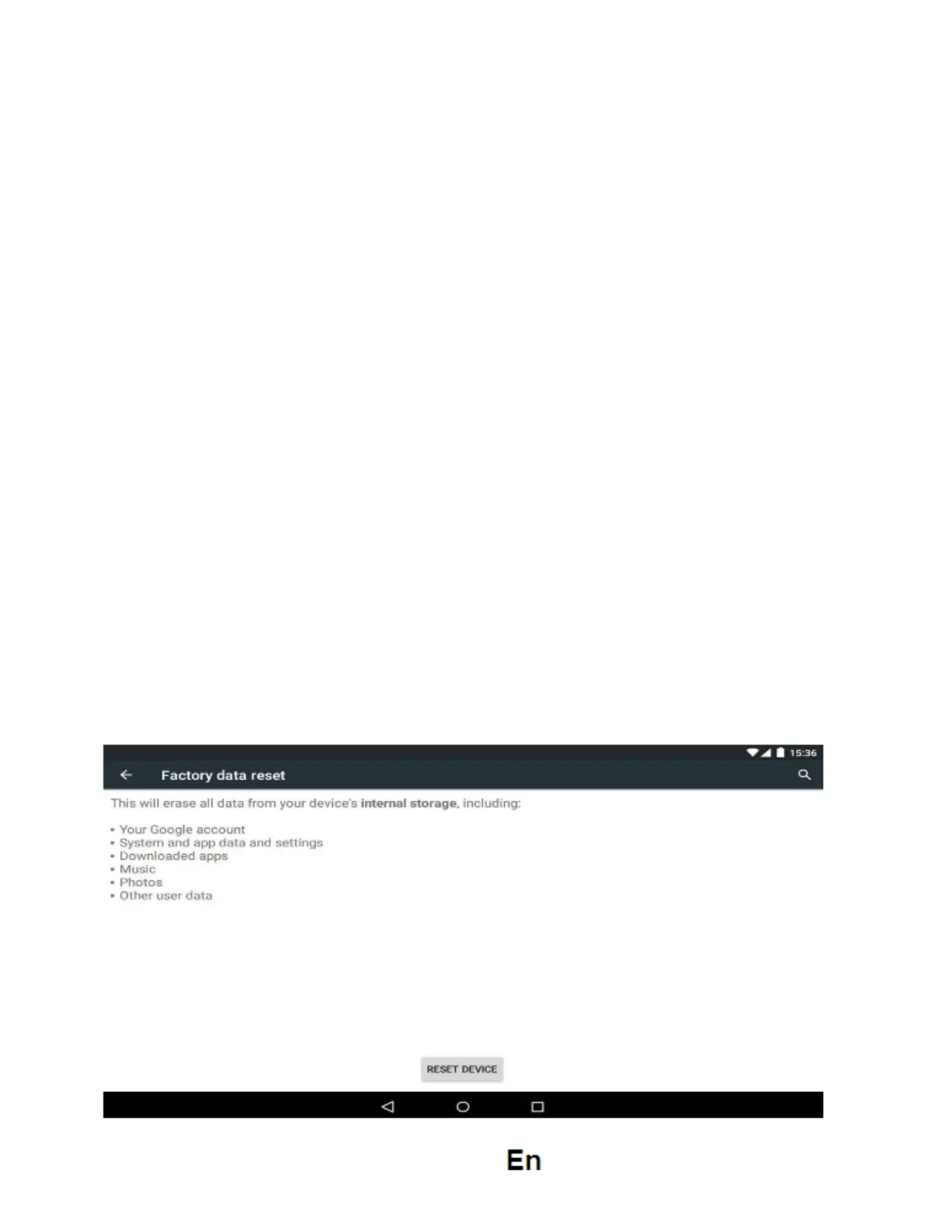
Factory data reset
If this machine is infected, or third party software installed to run this machine is
unusual, but through the recovery factory Settings, remove the third party software,
and restore the state out by default. Into this machine "Settings"-" privacy ", select
"Factory data reset" item, confirmed, will remove all of the data


 To Next Page