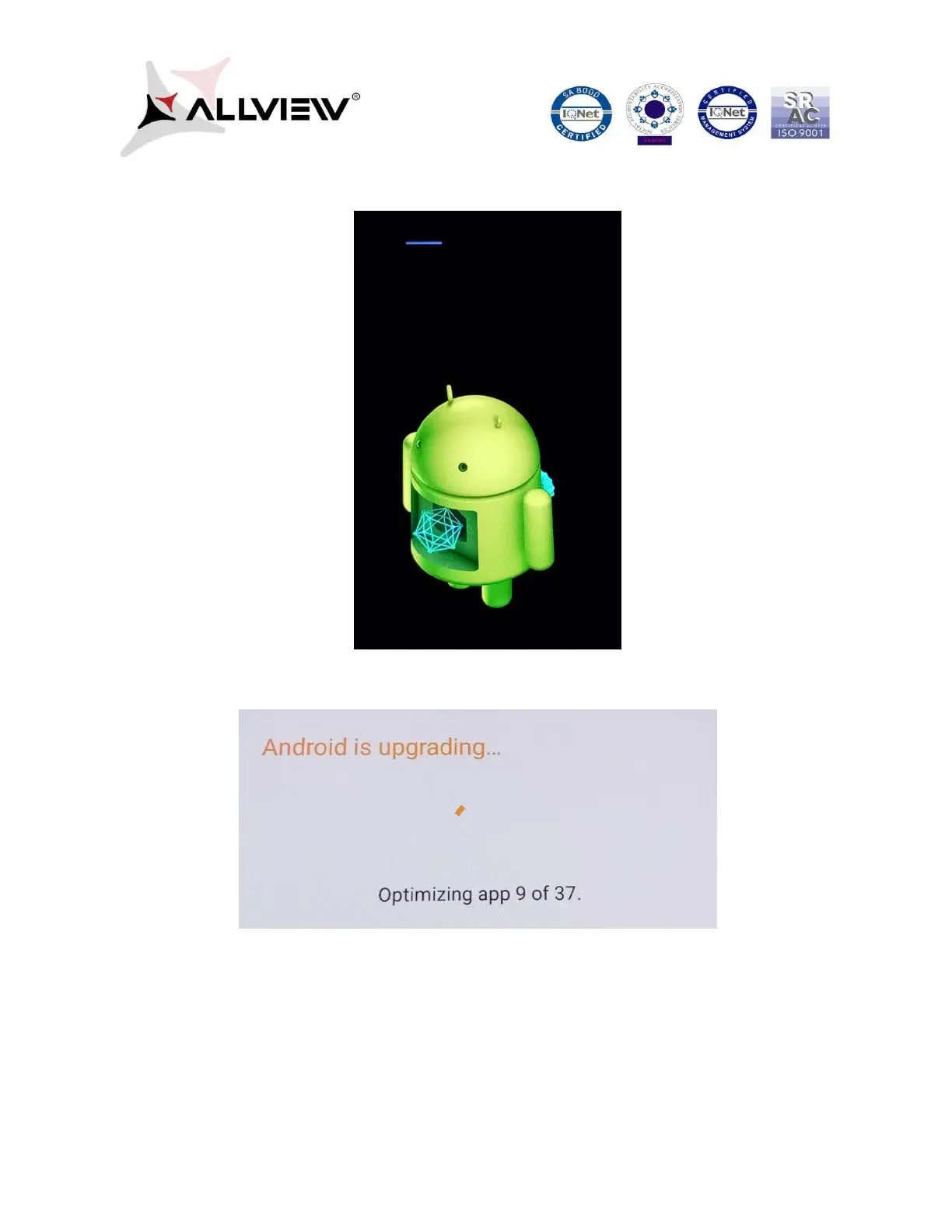
7. The phone will reboot and the update procedure will automatically start.
8. After finishing the update process, the phone will reboot itself.
9. “Android is upgrading” will be displayed on the phone’s screen.
The update file downloaded in the phone's internal storage/micro SD card will be
automatically deleted after the termination of the update process.















 To Previous Page