7
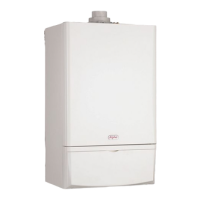
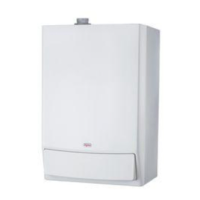
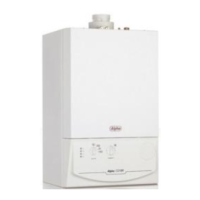
Alpha CD25C/28C/35C
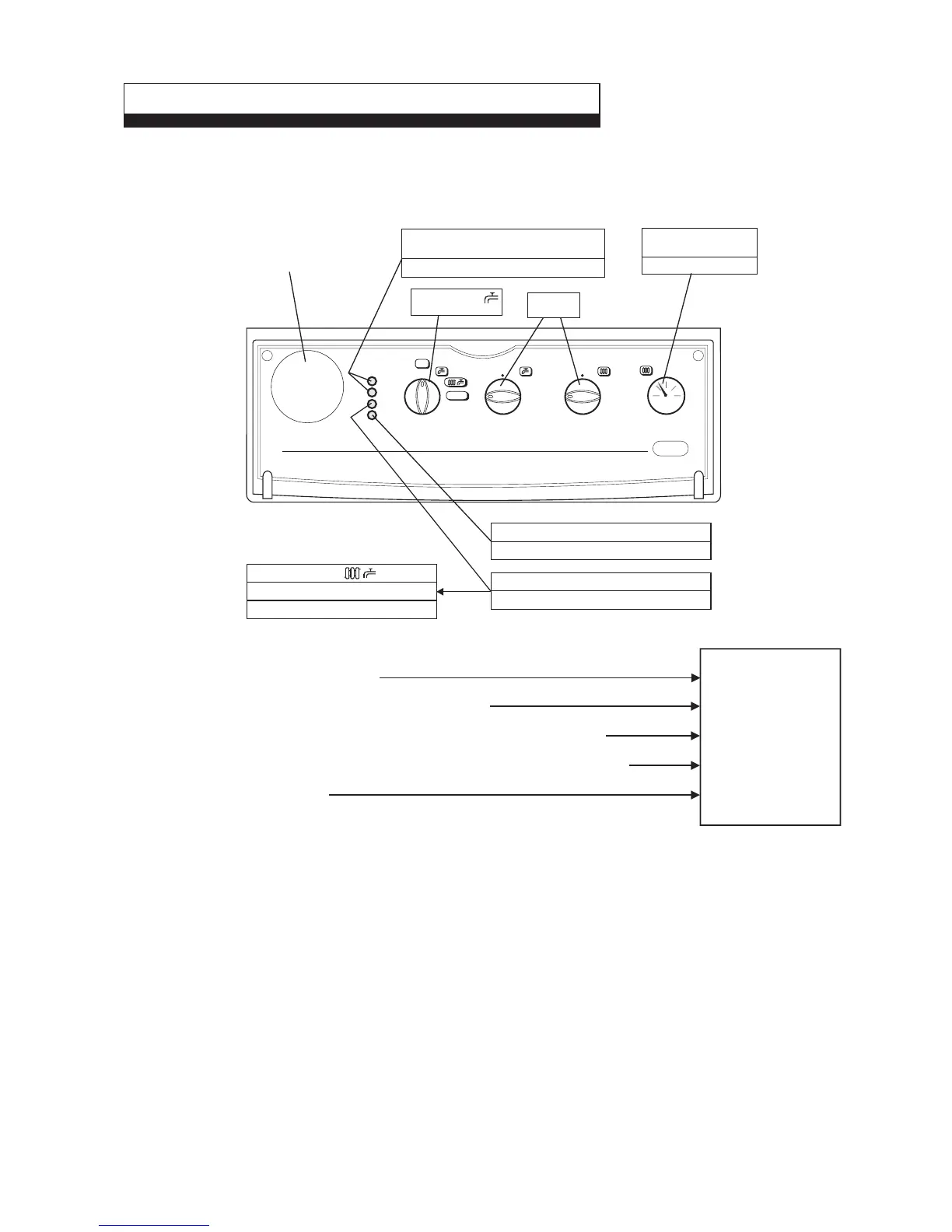
If you experience a problem of no heating and, if applicable, no hot water, try to solve the problem by following the simple
checks below before calling out a service engineer.
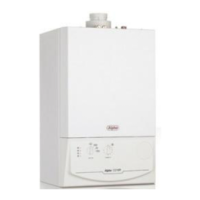
Pull the controls panel cover forward and down to gain access to the controls.
11 FAULT FINDING FOR THE USER
0
1
2
3
1
2
3
4
5
6
7
8
9
1
2
3
4
5
6
7
8
9
bar
04
3
2
1
RESET
A
D
B
C
SELECTOR THERMOSTAT THERMOSTAT
OFF
A
B
C
D
E
- Refer to the label on the inside of the hinged cover for guidance on repressurising the
system. Or contact your installer. Or
- Check that the electrical supply to the boiler is on. If so
- Check that all controls are calling for heat, i.e. room thermostat, clock. If so
- Check that the gas supply is on. If the light continues to come on after resetting
- Contact the Alpha Helpline
Ring the
Alpha Helpline Service
Tel: 0870 3001964
You will be asked
the Serial No. of your
boiler when you ring.
The Serial No. of the
boiler is on the inside
of the hinged cover.
Turn to
maximum
Clock (if fitted)
If not - See A
Is needle within or above
the green band ?
Turn selector to
(position 1)
If this light is not on
See B
Open a hot tap fully and this light should illuminate
If no hot water - See E
This light should illuminate
If not - See C
Then turn selector to
(position 2)
If any of these lights are on or flashing,
rotate the selector switch to RESET (position 3)
See D


 To Next Page