new
backspace
Writing
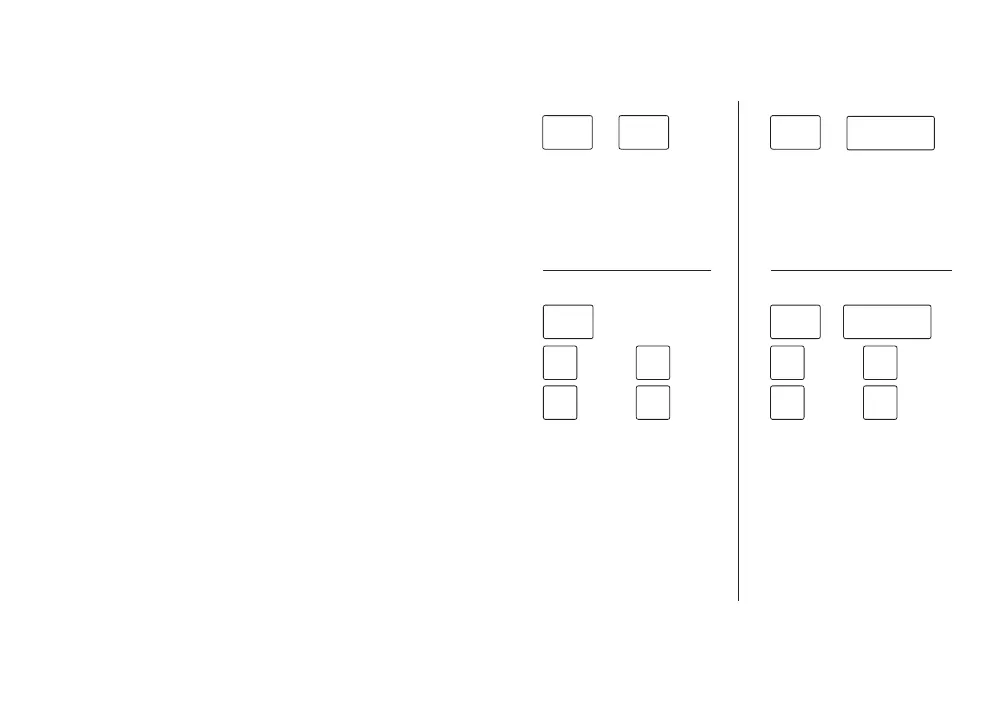
Start a new draft.
Press both [new] keys
at the same time and
release to start a
new draft.
Delete an entire word.
Hold [new] and press
[backspace] to delete
the previous word.
+
07
new new
+
Jump words with cursor.
Hold a [new] key and
use the WASD keys to
move the cursor one
word at a time left and
right or one paragraph
up and down within a
draft.
Move cursor one
character. Hold a
[new] key, [shift],
and use the WASD keys
to move the cursor a
single character left
or right or one line
up or down within a
draft.
Up
Left
Down
Right
+ +
shiftnew
W
A
S
D
Up
Left
Down
Right
+
new
W
A
S
D
Meet Your New
Writing Partner
Contents
06
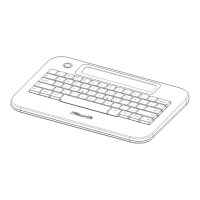
Alpha is a distraction-free, dedicated drafting
tool designed to revolutionize your writing
process and kickstart your productivity.
Read this user manual to learn how to get the most
out of Alpha, familiarize yourself with its
features, and seamlessly integrate it into your
creative process.
Quick Start Guide 02
Overview 04
Writing 07
Navigation 08
Postbox & Syncing 09
Power 11
Troubleshooting 12


 To Next Page
 Loading...