072-0500 Alphasense User Manual
OPC-R1 Optical Particle Counter Issue 1
Alphasense Ltd Page 18 of 33 February 2019
Sensor Technology House, 300 Avenue West, Skyline 120, Great Notley. Essex.CM77 7AA. UK
Tel: +44 (0) 1376 556700 - Fax: +44 (0) 1376 335899
Email: sensors@alphasense.com - Web: www.alphasense.com
Copy the folder “OPC Interface
Software” to the PC desktop.
Connect the USB interface lead to
the PC. If the USB interface lead
(USB to SPI converter) is connected
to the PC for the first time, Windows
will need a device driver.
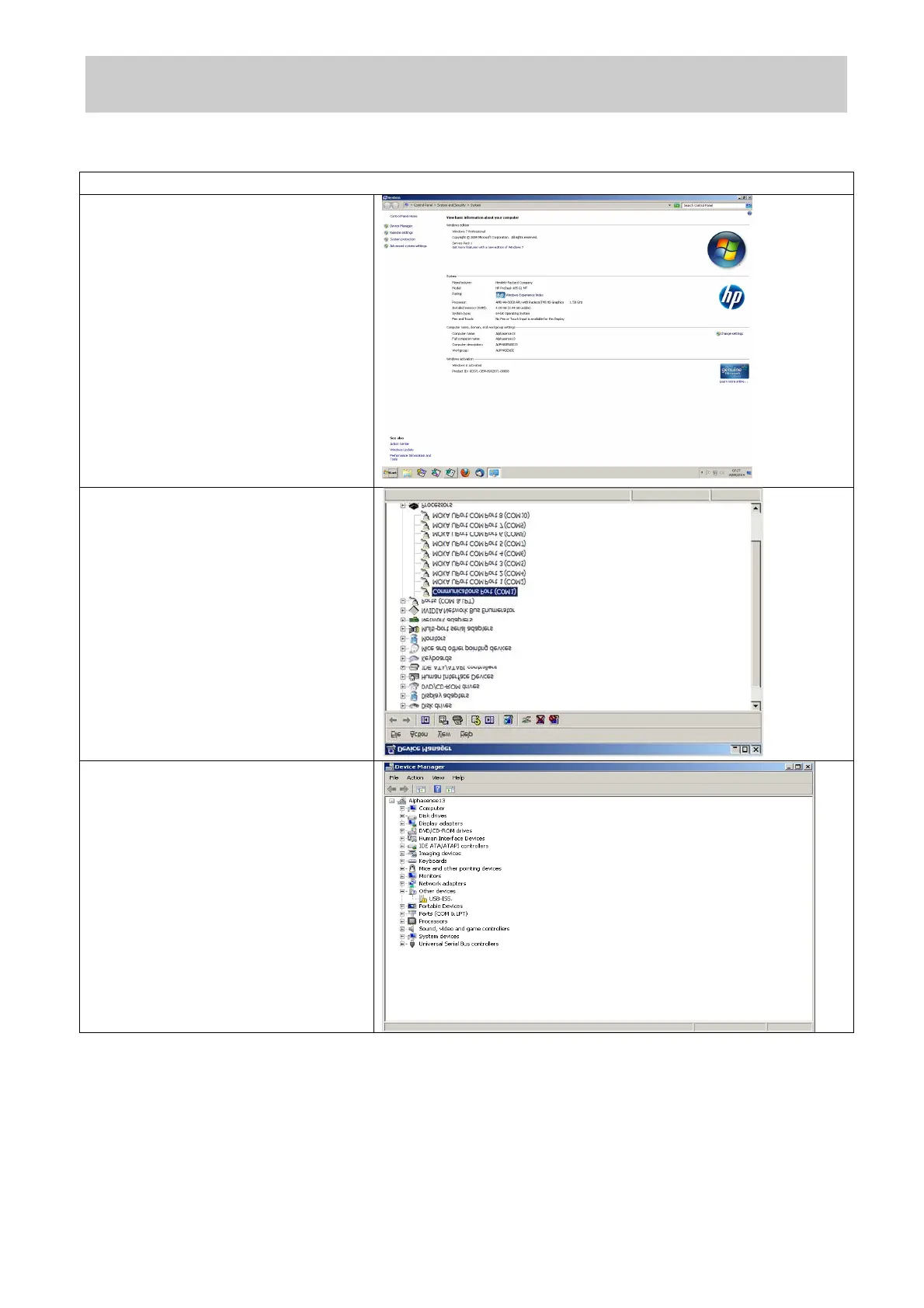
Open the system properties and
locate the device manager.
Windows 7 will show the new device
as “USB-ISS” with a yellow
exclamation mark indicating a driver
problem.


 To Next Page
 Loading...