072-0500 Alphasense User Manual
OPC-R1 Optical Particle Counter Issue 1
Alphasense Ltd Page 26 of 33 February 2019
Sensor Technology House, 300 Avenue West, Skyline 120, Great Notley. Essex.CM77 7AA. UK
Tel: +44 (0) 1376 556700 - Fax: +44 (0) 1376 335899
Email: sensors@alphasense.com - Web: www.alphasense.com
Appendix C: Updating the Firmware
Firmware is updated on the OPC-R1 device using the supplied Bootloader tool. This will be
supplied with the appropriate hex files, when needed. Please note the method is different than with
the OPC-N2. Please record the laser setting and ToF to SFR factor before updating the firmware as
this may be reset to default, once updated. To upgrade the firmware on your OPC-R1 device
requires:
· Bootloader tool
· Alphasense USB to SPI converter
· New firmware upgrade package including the firmware file (.HEX).
To upgrade the firmware file follow the instruction below:
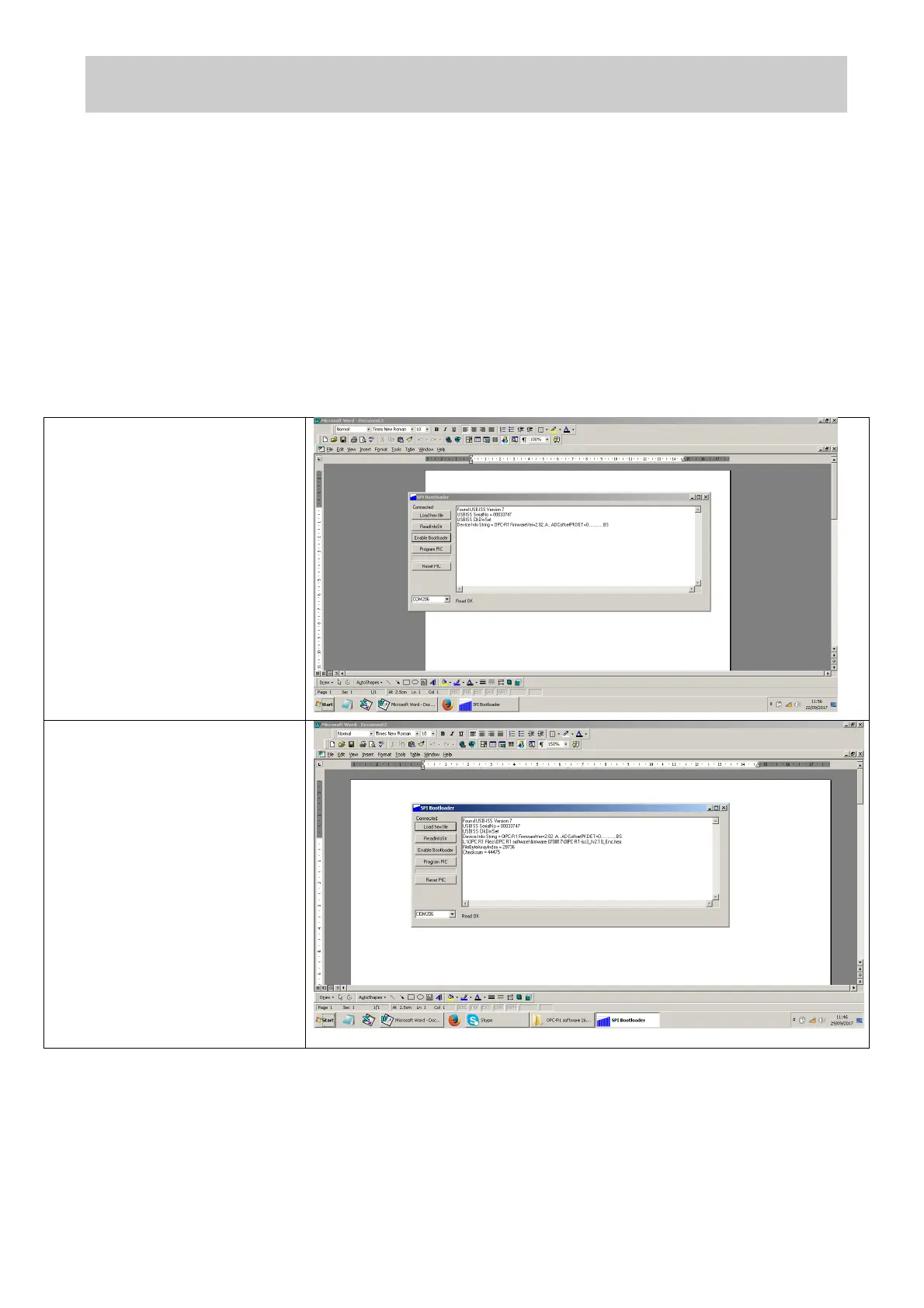
1. Open SPI bootloader
software.
Connect the OPC-R1 to the
computer using the SPI
convertor
Connect to the correct
comms port using the drop
down at bottom left
2. Press Enable bootloader
3. Press Load hex file and
navigate to the new
firmware file that needs to
be installed.
4. Press Program pic
5. Press Rest pic
6. Select none in the COM port
selection box to disconnect
the OPC from the
bootloader tool


 To Next Page
 Loading...