EasyManua.ls Logo

Alpine 7915M - Page 18

Alpine 7915M
21 pages
Print Icon
To Next Page IconTo Next Page
To Previous Page IconTo Previous Page
Loading...
@
CD
OPERATION
If
the
unit
is
not
in
the
CD
mode,
press
the
DISC
button
@.
Load
1.
Insert
a
disc
into
the
DISC
slot
©.
When
the
disc
is
halfway
in,
the
power
loading
system
will
pull
the
disc
in
and
guide
it
into
the
play
position.
2.
\|f
the
disc
is
left
at
least
halfway
in,
press
the
DISC
button
@
or
press
the
disc
edge
lightly
to
move
it
forward.
“LOAd"
will
show
in
the
display
while
loading.
3.
When
the
unit
is
in
the
CD
mode,
the
Digital
Display
®
shows
T-00
"
for
a
second
while
the
data
on
the
disc
is
read.
4.
When
a
disc
is
loaded
or
ejected
while
the
unit
is
in
the
tuner
mode,
it
will
automatically
switch
to
the
CD
mode.
Track/Elapsed
Time
Display
Switching
Press
the
DISP
switch
®
for
the
Track
Number
being
played
and
the
Elapsed
Time
for
the
current
track
to
be
shown
in
the
Digital
Display
@.
See
below.
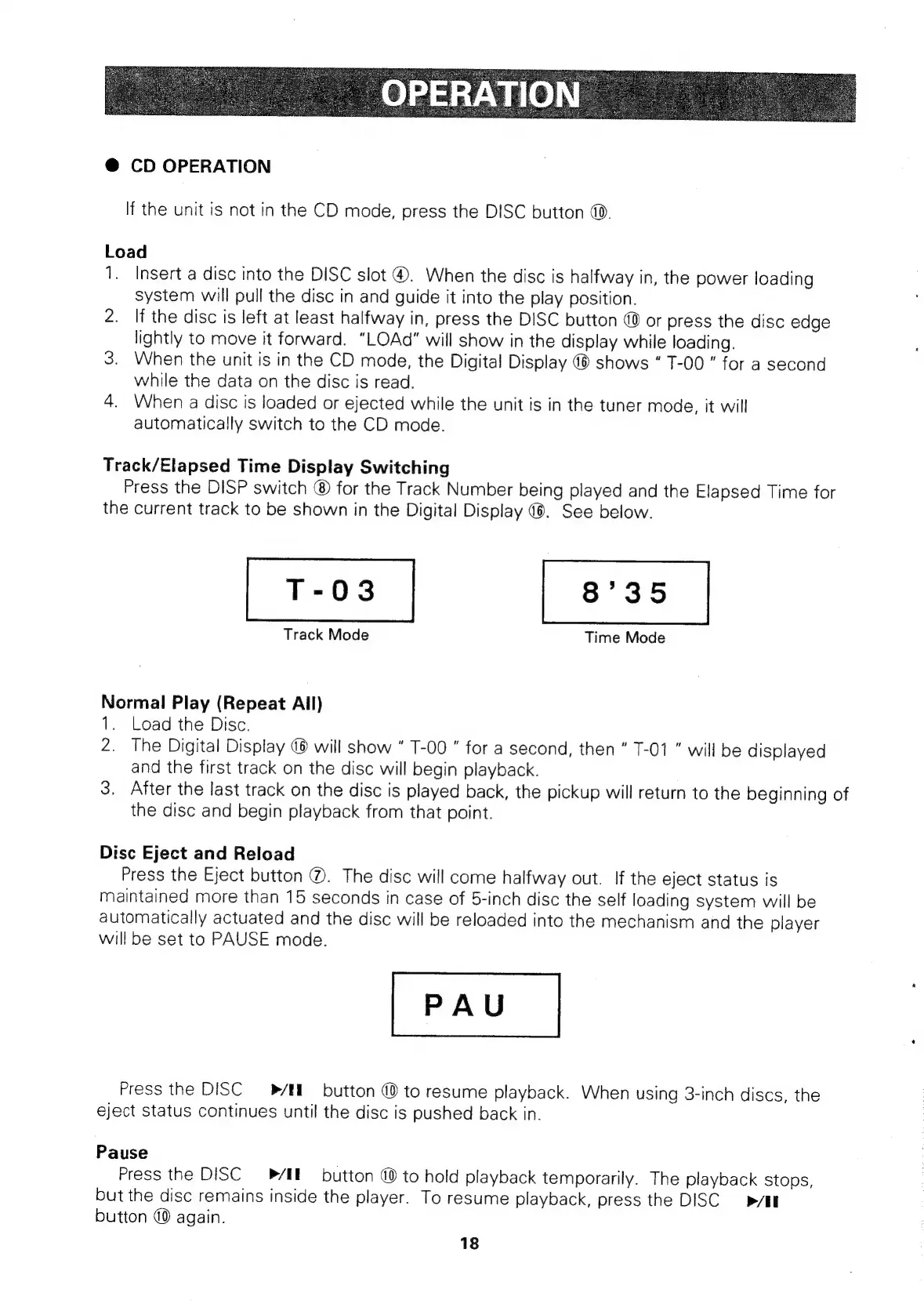
Track
Mode
Time
Mode
Normal
Play
(Repeat
All)
1.
Load
the
Disc.
2.
The
Digital
Display
@
will
show
T-00
"
for
a
second,
then
T-01
"
will
be
displayed
and
the
first
track
on
the
disc
will
begin
playback.
3.
After
the
last
track
on
the
disc
is
played
back,
the
pickup
will
return
to
the
beginning
of
the
disc
and
begin
playback
from
that
point.
Disc
Eject
and
Reload
Press
the
Eject
button
@.
The
disc
will
come
halfway
out.
If
the
eject
status
is
maintained
more
than
15
seconds
in
case
of
5-inch
disc
the
self
loading
system
will
be
automatically
actuated
and
the
disc
will
be
reloaded
into
the
mechanism
and
the
player
will
be
set
to
PAUSE
mode.
Press
the
DISC
—_-®/EI.
button
@
to
resume
playback.
When
using
3-inch
discs,
the
eject
status
continues
until
the
disc
is
pushed
back
in.
Pause
Press
the
DISC
PEE
button
@
to
hold
playback
temporarily.
The
playback
stops,
but
the
disc
remains
inside
the
player.
To
resume
playback,
press
the
DISC
>/EI
button
@
again.
18

Related product manuals