73-EN
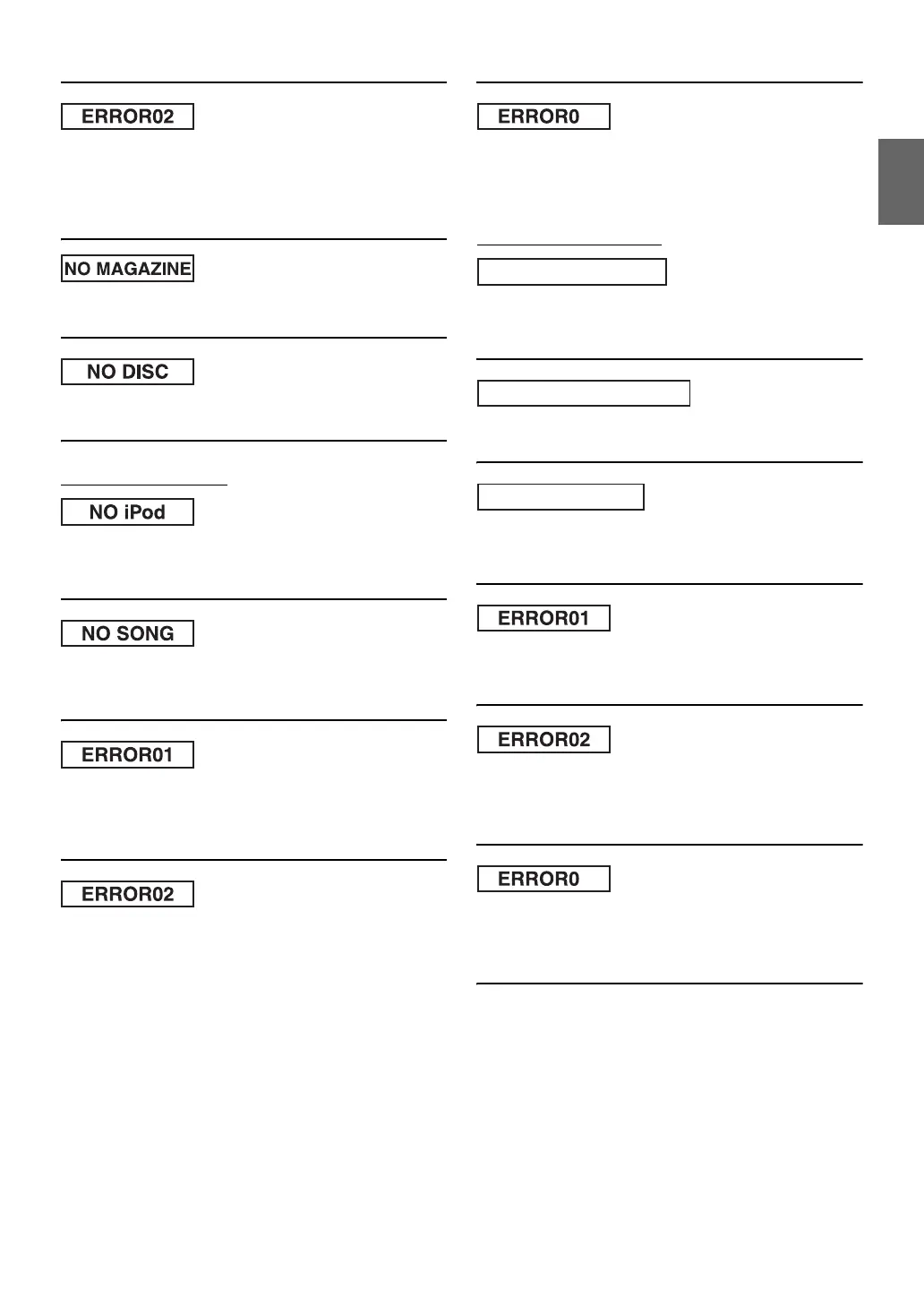
• A disc is left inside the CD Changer.
- Press the eject button to activate the eject function. When the
CD Changer finishes the eject function, insert an empty CD
magazine into the CD Changer to receive the disc left inside
the CD Changer.
• No magazine is loaded into the CD Changer.
- Insert a magazine.
• No indicated disc.
- Choose another disc.
Indication for iPod Mode
• The iPod is not connected.
- Make sure the iPod is correctly connected.
Make sure the cable is not bent excessively.
• There are no songs in the iPod.
- Download songs to the iPod and connect to the IVA-W505R/
IVA-W502R.
• Communication error.
- Turn the ignition key off, and then set to ON again.
- Check the display by reconnecting between the iPod and the
unit, using the iPod cable.
• Caused by the iPod Software Version not being compatible with
this unit.
- Update the iPod Software Version to be compatible with this
unit.
• Indication error.
- Turn the ignition key off, and then set to ON again.
- Check the display by reconnecting between the iPod and the
unit, using the iPod cable.
Indication for USB memory
• Abnormal current is run to the USB connector device.
USB memory is a malfunction or it is shorted.
- Connect another USB memory.
• A USB device that is not supported by the unit is connected.
- Connect a USB device that is supported by the unit.
• A USB memory is not connected.
- Make sure the USB memory device is correctly connected and
the cable is not excessively bent.
• A USB memory is not connected.
- Make sure the USB memory device is correctly connected and
the cable is not excessively bent.
• Caused by the iPod Software Version not being compatible with
this unit.
- Update the iPod Software Version to be compatible with this
unit.
• Indication error.
- Turn the ignition key off, and then set to ON again.
- Check the display by reconnecting between the iPod and the
unit, using the iPod cable.
3
CURRENT ERROR
USB DEVICE ERROR
NO USB DEVICE
3









 To Next Page