HANDLING
PRECAUTIONS
Jr.
WARNING:
Do
not
ingest battery,
LL\
Chemical Burn Hazard.
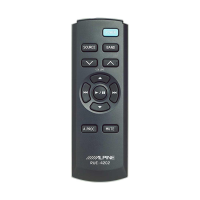
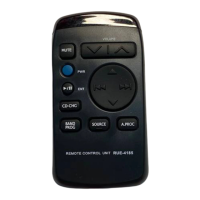
The remote commander contains a
coin/button
cell
battery.
If
the
coin/
button
cell battery
is
swallowed,
it
can
cause severe internal burns in
just
2 hours and can lead
to
death. Keep
new
and used batteries away from children.
If
the
battery compartment does
not
close securely, stop
using
the
product
and keep
it
away
from
children.
If
you
think
batteries may have been swallowed
or
placed
inside any
part
of
the
body, seek immediate medical
attention.
Do
not
drop
or
apply shock
to
the
unit.
It
may be
get
permanently damaged.
Keep
the
unit
away from water and moisture, direct sun
and heat, and excessive dust.
Never use scouring pads, steel wool, abrasive powders
or
harsh chemical agents, such
as
lye solution,
for
cleaning.
Clean
with
a soft,
lint
-free cloth
or
cotton
swab slightly
dampened
with
a mild solution
of
detergent and water.
Do
not
operate this
unit
in a manner
that
could distract
you from driving safely.
SPECIFICATIONS
BatteryType
..
.
........
..
...
...
..
.
..........
...
...
.
..
.
...
.
......
CR2025
button
cell
Battery Quantity .
...
.
..
......
....
..
....
....
...........
.
..
..
........
..
..
.....
....
.......
.
..
.
....
1
Dimensions (W x H x
D)
.
....
.
....
.
....
...
..
.
.............
42 x
101
x 15mm
(1
-21/ 32
'x
4
"x
19/32"
Weight
(without
battery)
...
.
........
.
.......
.
.......
.
......
..
.
..
.. 34g
(1
.2 oz)
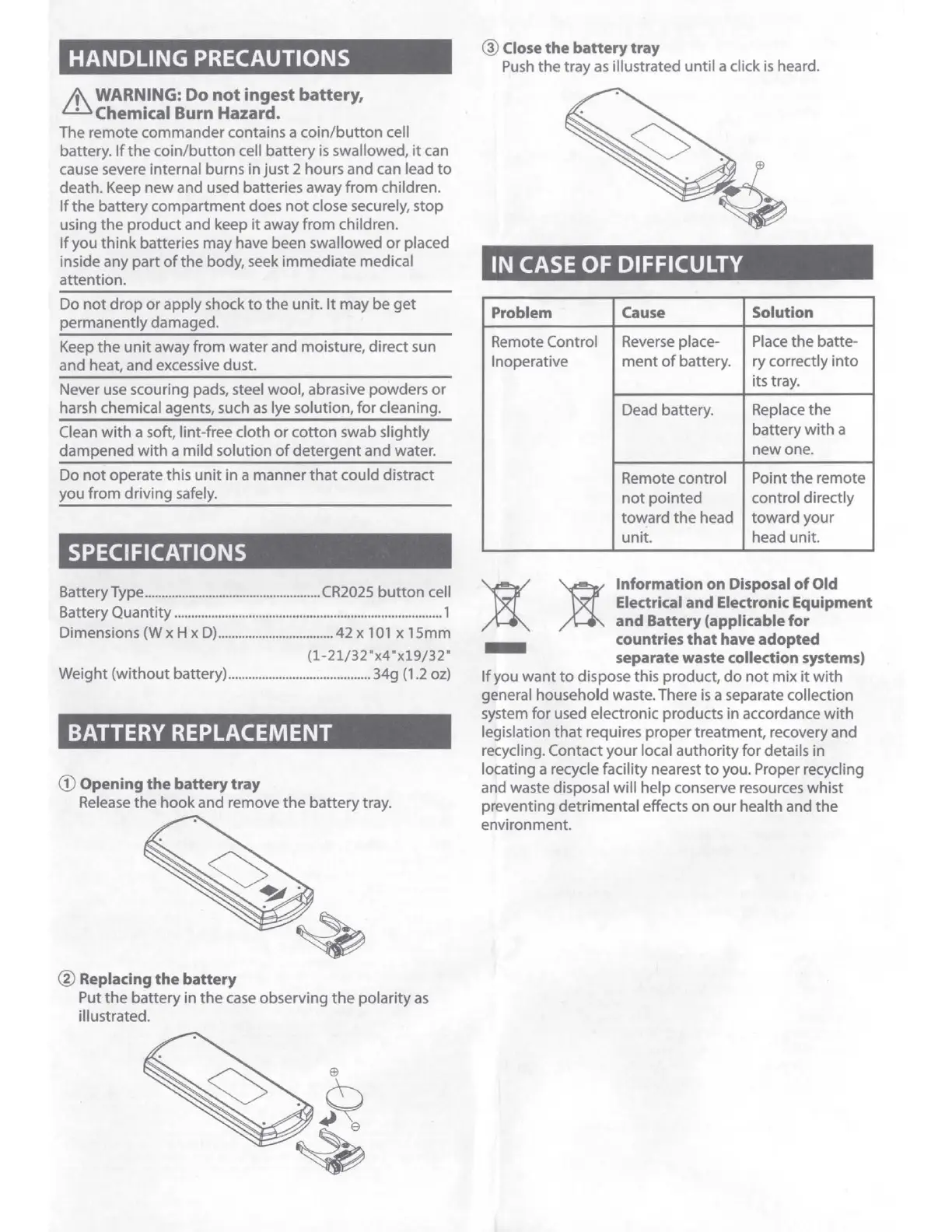
BATTERY REPLACEMENT
CD
Opening
the
battery
tray
Release
the
hook
and remove
the
battery tray.
@ Replacing
the
battery
Put
the
battery in
the
case
observing
the
polarity
as
illustrated.
@ Close
the
battery
tray
Push
the
tray
as
illustrated until a click is heard.
IN CASE
OF
DIFFICULTY
Problem Cause Solution
Remote Control
Reverse
place- Place the batte-
Inoperative
ment
of
battery. ry correctly
into
its tray.
Dead battery.
Replace
the
battery
with
a
new
one.
Remote control Point
the
remote
not
pointed
control directly
toward
the
head toward
your
unit. head unit.
)I
Information on Disposal
of
Old
Electrical and Electronic Equipment
and
Battery (applicable for
- countries
that
have adopted
separate waste collection systems)
If
you
want
to
dispose this product,
do
not
mix
it
wi
th
general household waste. There
is
a separate collection
system for used electronic products in accordance
with
legislation
that
requires proper treatment, recovery and
recycling. Contact
your
local authority
for
details in
locati
ng
a recycle facility nearest
to
you. Proper recycling
and waste disposal will help conserve resources whist
preventing detrimental effects
on
our
heal
th
and the
environment.



 To Next Page
 Loading...