3
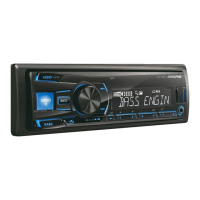
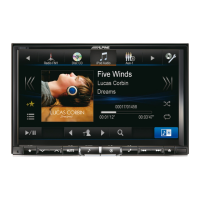
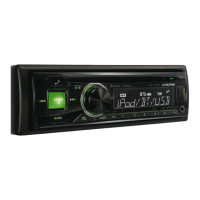
Head Unit Setup Buttons Illustration
The illustration shows the buttons that will be used during the
update procedure. This illustration is based on the
CDE-174BT model. The button locations will be different on
some models. Please refer to the owner’s manual for your
specific model.
1. Format the USB stick
WARNING – Do not update the Bluetooth firmware while driving
1. Plug in the USB stick.
2. Right click the USB drive
and select “Format…”


 To Next Page
 Loading...