12 | P a g e
Important! Open the filter location cover, and remove the filter, and
remove its plastic packaging before use. Then install the composite filter
in the purifier.
● Place the purifier at least 1 meter from equipment that emits electromagnetic
waves (television, radio, clock, etc.) to reduce the risk of interference.
● Do not cover the air inlets and outlets of the purifier (e.g. do not place it in
contact with a curtain).
● Do not use in a place exposed to strong temperature contrasts and therefore
to condensation.
● Do not use the purifier in extreme temperatures: stay between 1°C and 35°C.
● The purifier should be installed in a stable position and in a well-ventilated
location. If it is placed on a thick carpet, it may swing slightly.
● Do not use in thick smoke. You must first ventilate the room before purifying
the air.
● Keep enough space around the purifier. Air purification works best if the
purifier is placed in a place where air can circulate easily.
Interface Control
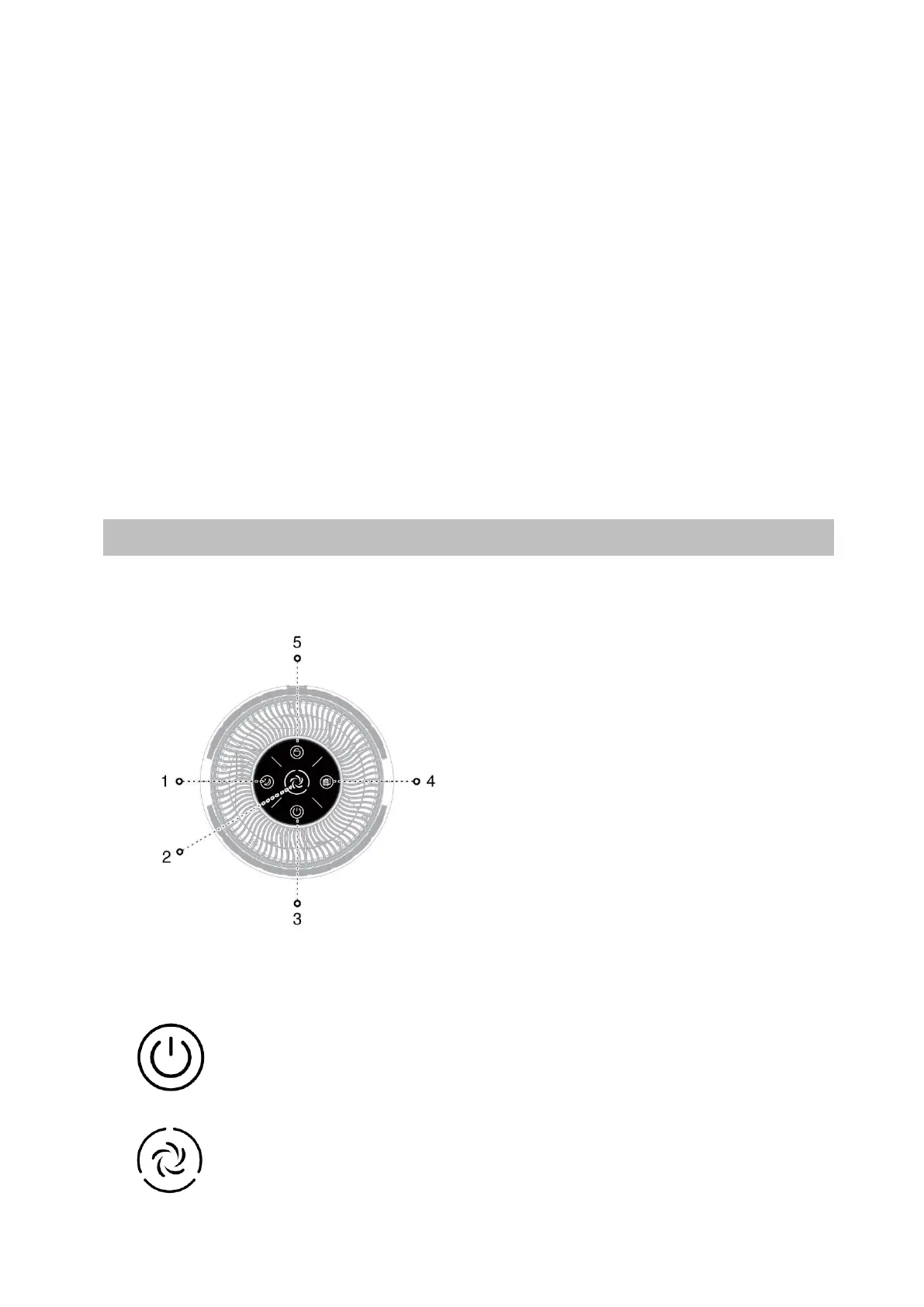
Control panel
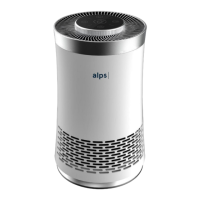
When the ALPS Lite purifier is connected and switched off, the
On / Off indicator light is lit red.
Start / Stop: touch button to switch the purifier on or off. The
ionizer activates automatically when the purifier is on.


 To Next Page
 Loading...