13
Connecting The AP6-Pro
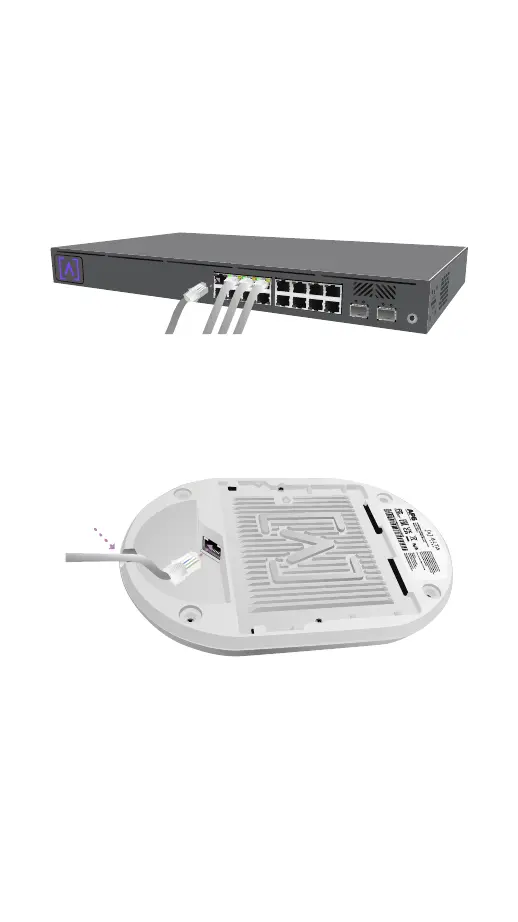
The AP6-Pro is powered over Ethernet, it can
be powered by a PoE+ Switch or using an
optional 48V, 0.5A PoE Injector.
1. Connect an Ethernet cable from your PoE+
Switch (or optional PoE Injector).
2. Connect the other end to the Ethernet Port
on the AP6-Pro. If mounting on the wall,
the Ethernet cable can be fed through the
removable notch area.
RESET
PoE



 To Next Page