3
Hardware Overview
Front
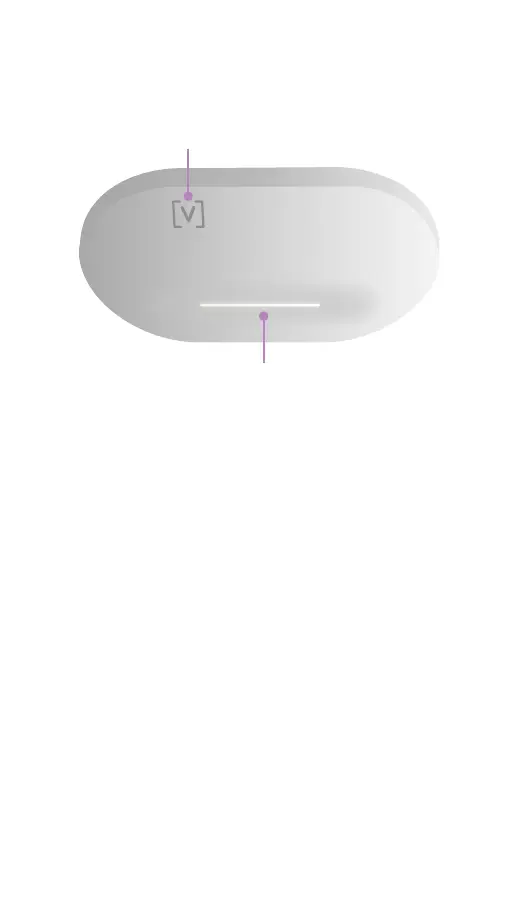
LED
Logo Indicator
Logo Indicator If you need to remove the AP
from the mount, use a flat blade screwdriver to
disengage the Mounting Plate here.
LED Illuminates white by default when AP
is online and functional. Can be changed to
blue or off in the Alta Control software. Flashes
when booting.



 To Next Page