Out of Range or Lost Signal
If the music device is out of range (beyond 30 feet) of the unit or if there is something blocking the Bluetooth
signal, the LED light will flash slowly to indicate that the Bluetooth connection with the music device has been
lost.
To avoid a lost connection:
1. Move the music device back into range (within 30 feet), and/or make sure there’s a clear line of sight
between the unit and the Bluetooth device.
2. If the connection is lost, the connection will need to be reestablished. Follow the directions under
“Reconnecting Your Device”.
NFC
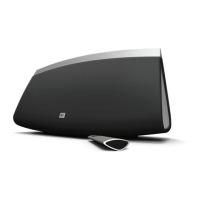
To pair the IMW645 with NFC enabled devices, hold your NFC enabled phone directly against the IMW645's
“Wireless Check in for NFC” mark for 2 seconds. Once the pairing is successful, the speaker will make a sound
to confirm. (Some devices may ask for confirmation from the user.)




 To Next Page