7.4 Outdoor unit point check function
There is a check switch in outdoor PCB.
Push the switch SW1 to check the states of unit when the unit is running. The digital display
tube will display the follow procedure when push SW1 each time:
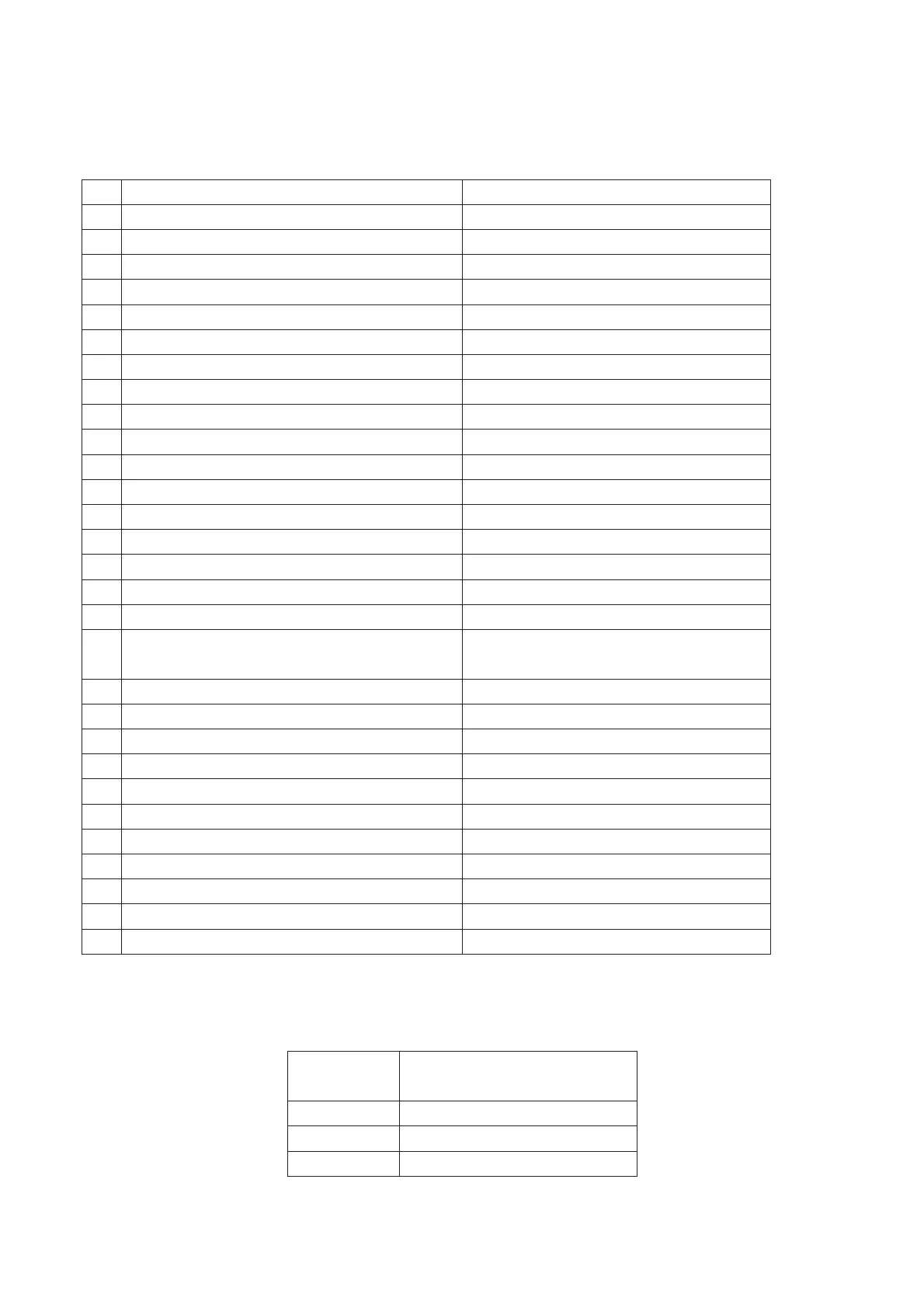
Display Remark
1 Indoor unit capacity demand code
2 Outdoor unit running mode code Off:0, Cooling:1, Heating:2
3 Amendatory capacity demand code
4 Outdoor unit fan motor state Off:0, Low speed:1, High speed:2
5 Evaporator outlet temp. for 1# indoor unit Actual data
6 Evaporator outlet temp. for 2# indoor unit Actual data
7 Evaporator outlet temp. for 3# indoor unit Actual data
8 Evaporator outlet temp. for 4# indoor unit Actual data
9 Condenser pipe temp. Actual data
10 Ambient temp. Actual data
11 Compressor discharge temp. Actual data
12 Inverter current Actual data
13 EXV open angle for 1# indoor unit Actual data×8
14 EXV open angle for 2# indoor unit Actual data×8
15 EXV open angle for 3# indoor unit Actual data×8
16 EXV open angle for 4# indoor unit Actual data×8
17 DC voltage for outdoor unit Actual data
18 Indoor unit number The indoor unit can communicate with
outdoor unit well.
19 The last error or protection code 00 means no malfunction
20 Frequency sent from chip 0034 to chip 341 Actual data
21 Indoor room temp. for 1# indoor unit Actual data
22 Indoor pipe temp. for 1# indoor unit Actual data
23 Indoor room temp. for 2# indoor unit Actual data
24 Indoor pipe temp. for 2# indoor unit Actual data
25 Indoor room temp. for 3# indoor unit Actual data
26 Indoor pipe temp. for 3# indoor unit Actual data
27 Indoor room temp. for 4# indoor unit Actual data
28 Indoor pipe temp. for 4# indoor unit Actual data
29 ʊʊ Check point over
7.4.1 Frequency of compressor:
Display Frequency of compressor
(Hz)
30 30
-- Stand by
60 60



 To Next Page