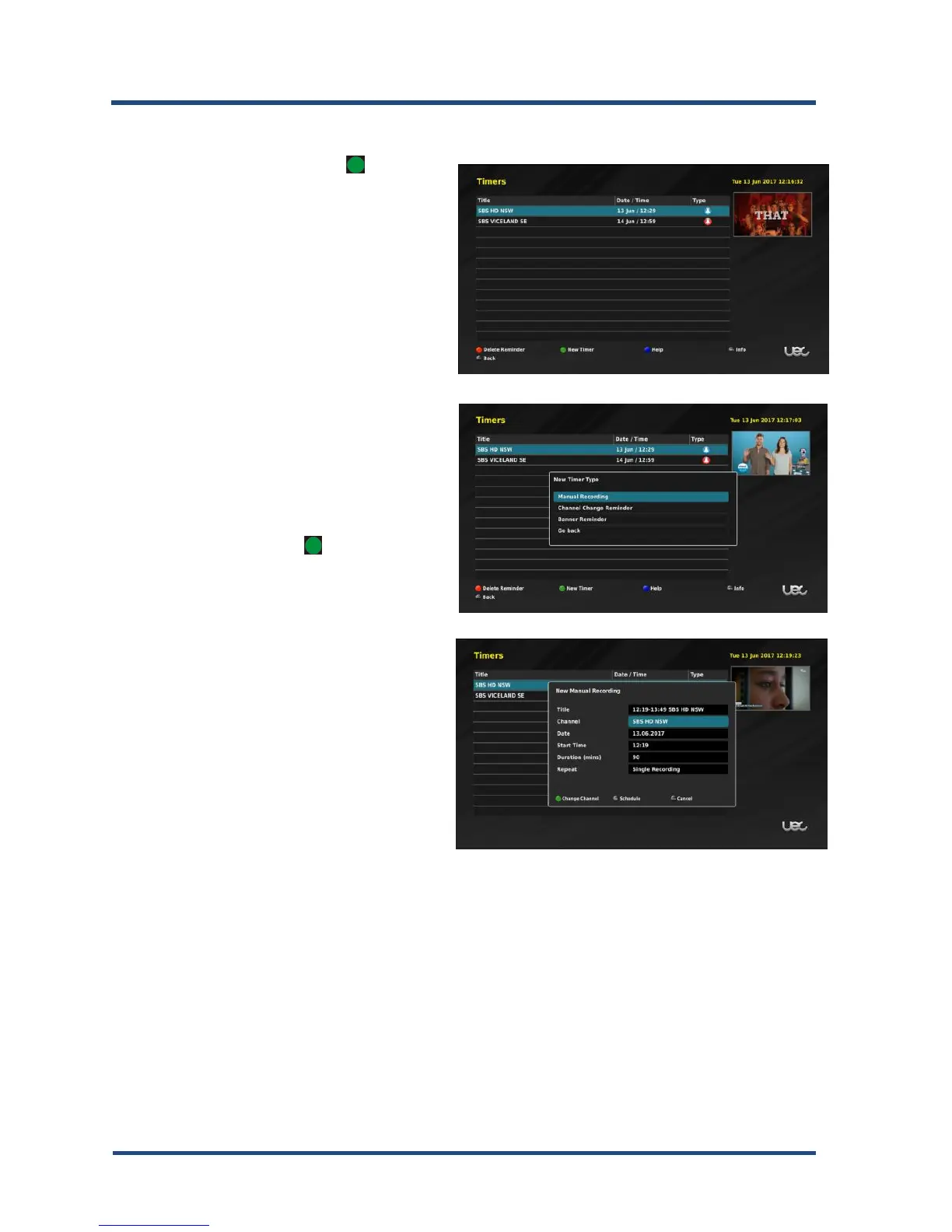
Setting a Manual Recording
1. After pressing, the “ ” button
the “New Timer” banner shows
you the various options.
2. To confirm the Manual
Recording, press “OK”.
3. The following banner appears
showing the information about
that channel.
4. To change the duration, press
“OK”. The duration (mins) row is
highlighted.
5. The duration time increments in
5-minute segments i.e. 60 to 65
up or down, use the “◄►” to
change the minutes.
6. To re-schedule the current
program, press “ ”.
7. To Cancel and close this
function, press the “EXIT” key.
8. Once you have programs saved
into the list, three coloured
icons at the bottom appear
where you can perform various
functions; use the red icon to
remove a channel from the list,
green icon to set new timer,
yellow icon to lock a channel or
blue to edit a timer.
The procedures for “Channel Change Reminder” and “Banner Reminder” are
the same or similar to those of Manual Recording above.
Note: The system supports recording two channels simultaneously and a
timeshift recording on the channel you are watching.

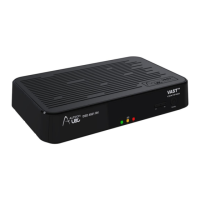

 To Next Page