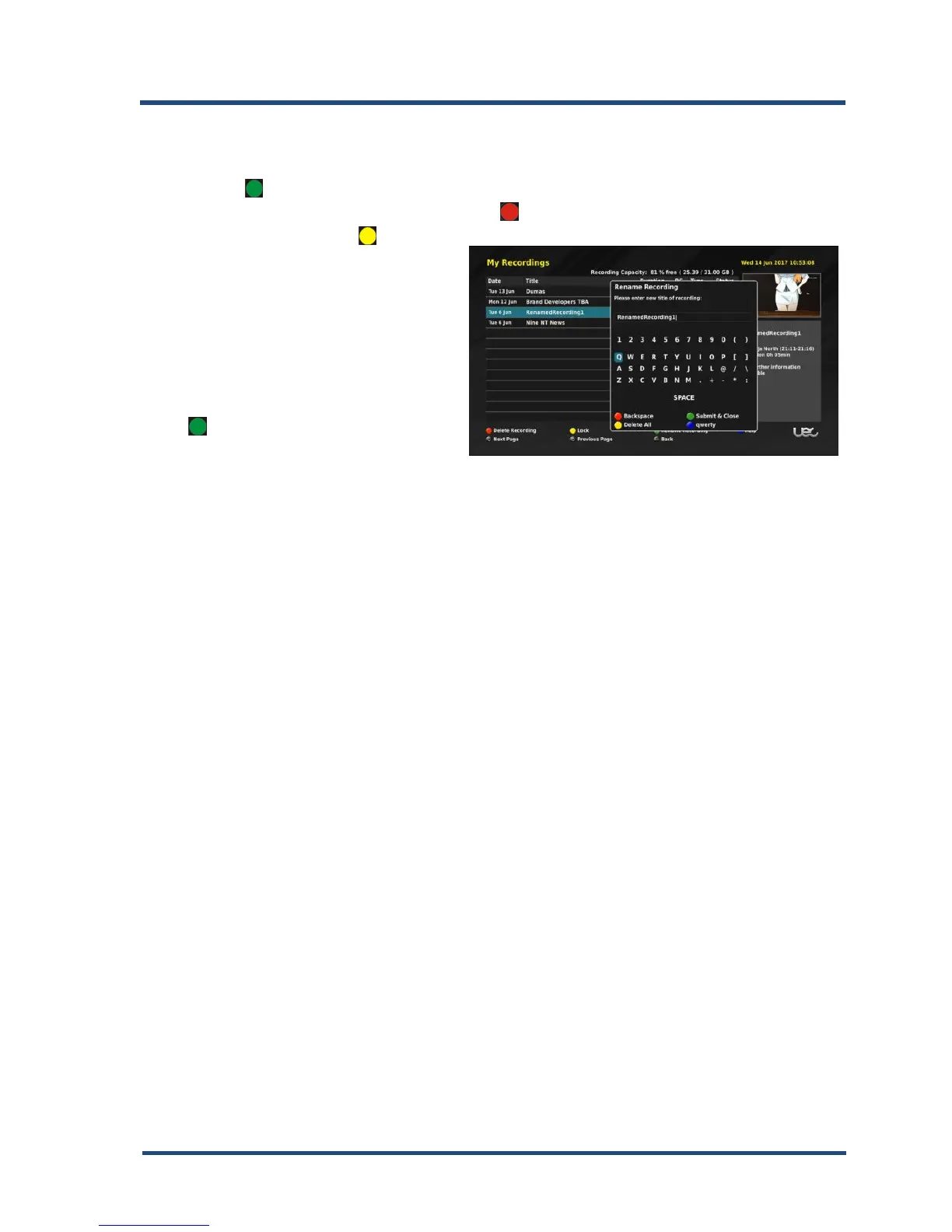
Renaming a recording
1. To rename a program use the “▲▼” keys and highlight the movie/series,
press “ ” this opens the renaming banner.
2. To delete part of the name use the “ ” backspace key or delete the name
completely press “ ” delete
all key.
3. To type in a new name use
“▲▼” keys to select the
letters then press “OK” to
accept, do this procedure until
you have entered the name.
4. Once the name is done, press
“ ” to submit and close.



 To Next Page