AltiTouch 500 Manual 8
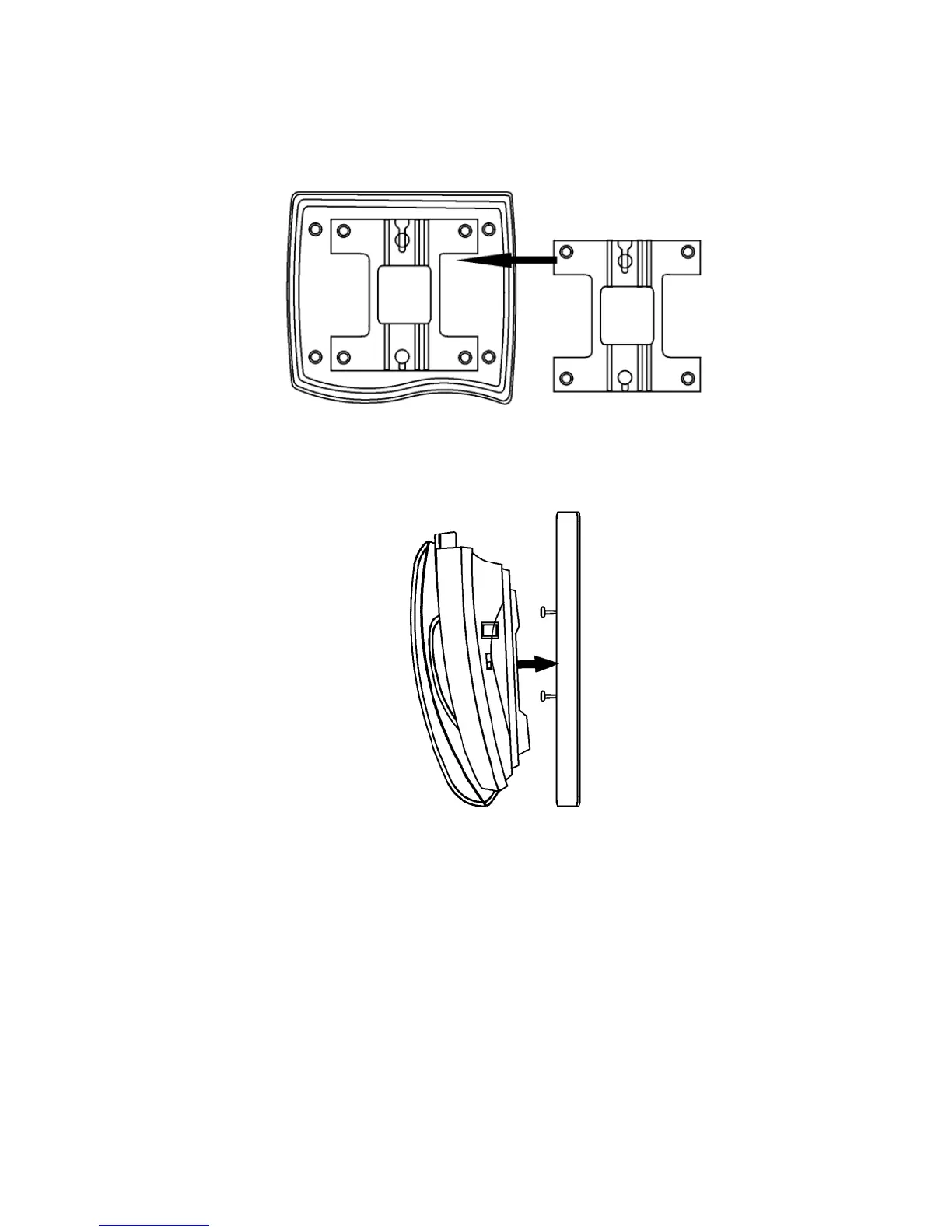
phone should then have two round plastic holes that can be used to
hang your phone on the wall.
Figure 3. Wall Mounting - Back View
2. Use the two round holes to hang the phone on the wall plate on your
wall.
Figure 4. Wall Mounting - Side View
Important:If you do not wish to mount your phone on the wall, the Wall
Mount Bracket can be reversed to raise the angle of the phone's
display when sitting on a table or desk.



 To Next Page