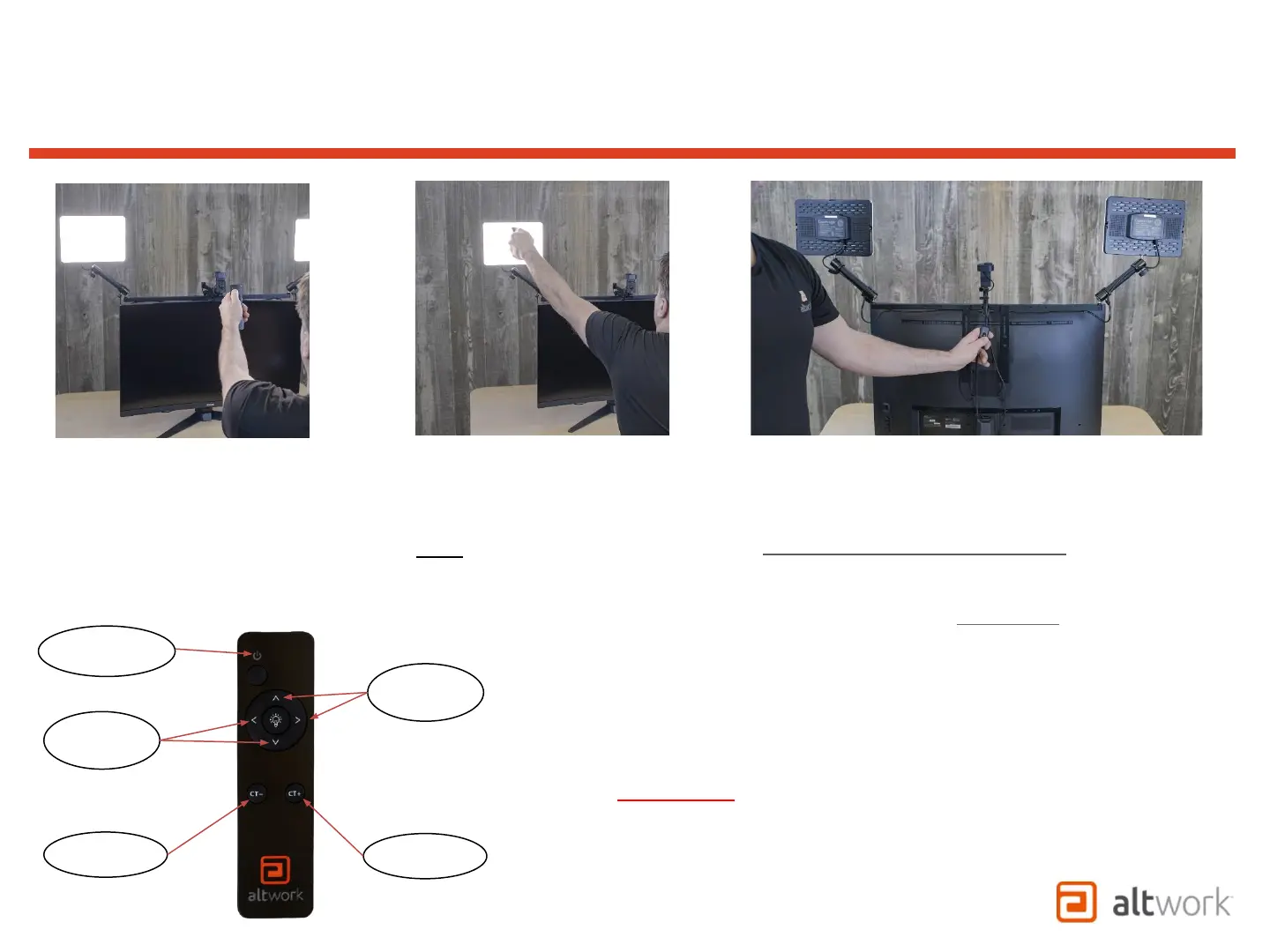
Pointing the remote directly at a
single light as shown will allow
for independent control.
Note: The IR sensor is in the
rear of the Light Panel and may
require aiming the remote at
the rear of the Light
Pointing the remote between
the two lights as shown will
allow for dual control.
The Manual Switch can be used to cycle through
four different preset lighting conditions by
switching off and on repeatedly
Less
Bright
Color
Temp -
Color
Temp +
More
Bright
ON/OFF
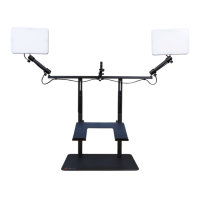
TruVue - VCS
Light Panel Remote Control
WARNING!
•Use care to install the batteries properly.
•Improperly installed batteries could
discharge rapidly and overheat.
Note: Reset and Resync Option:
If the light panels are ever out of sync and it becomes
difficult to use the remote to re-sync them, turn of the
power switch for at least (6) seconds before switching
back on. This should bring both lights back on in sync
with each other. If more than one TruVue is set up in the
same room, the switch can be turned off to prevent
overlapping controls when not in use.


 To Next Page
 Loading...