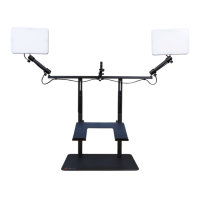
TruVue - Desk Stand
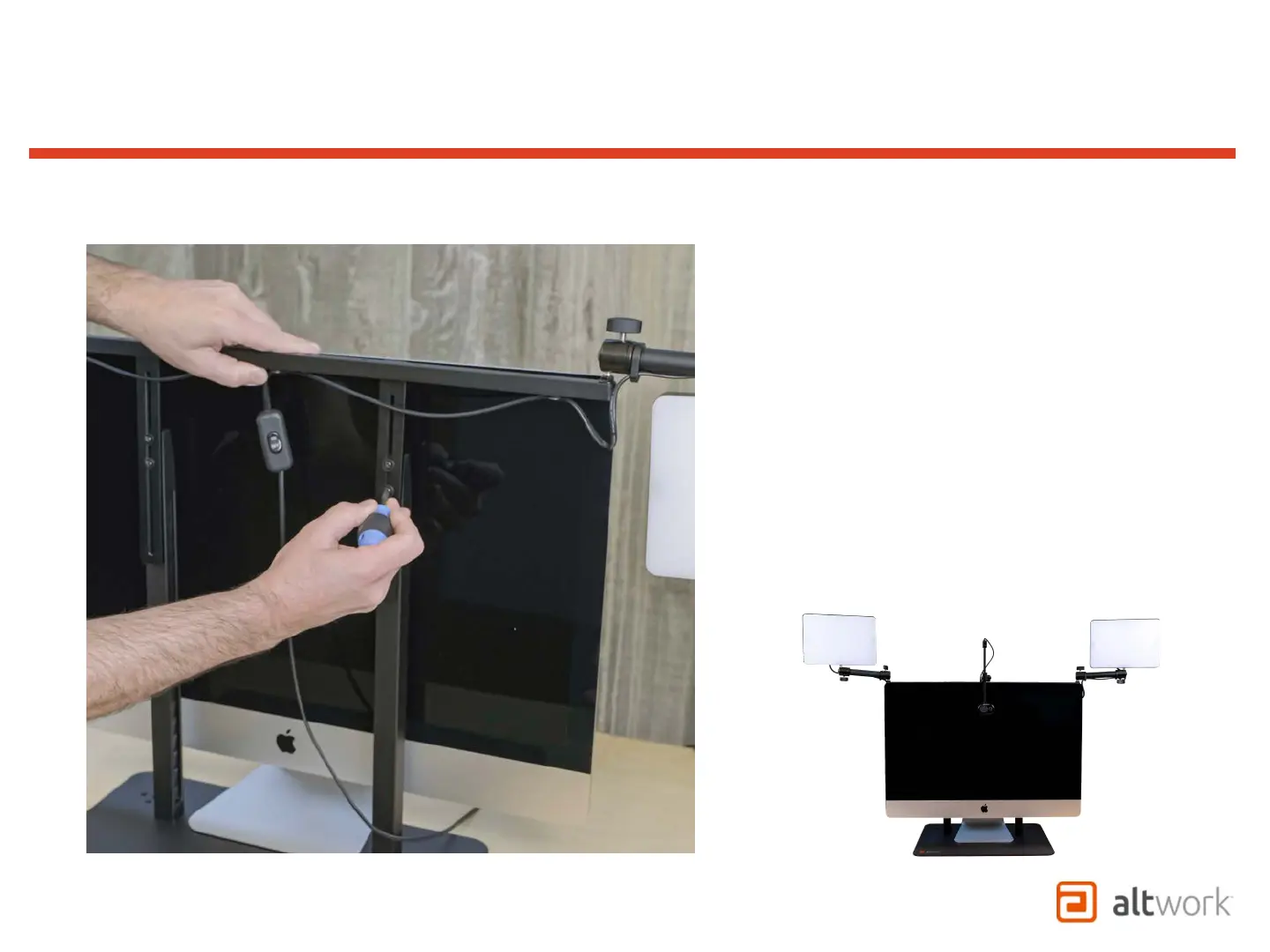
Adjusting VCS Frame to Top of Monitor
1. Start by setting your monitor behind the Desk
Stand in order to see both the height you want and
access the screws at the same time.
2. Loosen (4) screws to slide the Frame up so that the
bar is parallel to and just above the top of the
monitor as shown, then re-tighten.
3. Once the Frame is at the correct height, move the
monitor to the front of the posts and position it so
it is centered and as close to the posts as possible
while still being able to tilt as needed.


 To Next Page
 Loading...