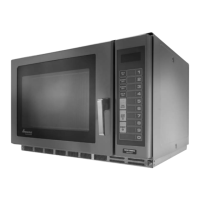
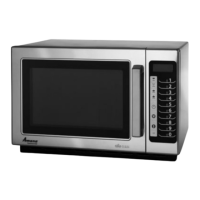
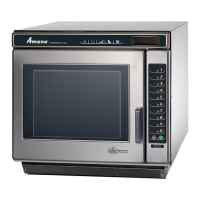
To Enter Service Test Mode, oven door must be closed.
NOTE: Pads will not beep when accessing Service Test Mode.
To EXIT Service Test Mode press STOP/RESET pad.
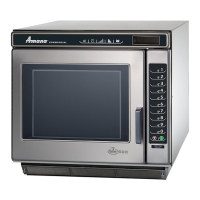
MC units
DQ22HSI and KFC2
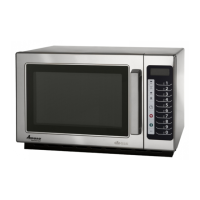
RC units
REG MENU
MISC
Mode Name
Service Mode
Entry Press and release Hidden Pad, 1, 3, 5, 7, 9 while in the ready mode:
Functional
Description
Main Service Mode Menu
Display
S e r v i
c e M o d e
6 0 H Z 2 0 8 V
Pad 1
Mode Name
Service Pad 1
Entry
Press Pad 1 while in Service Mode
Functional
Description
Display
Pad 2
Mode Name
Service Pad 2
Entry Press Pad 2 while in Service Mode
Functional
Description
Magnetron #1 shall be toggled. When on, it shall run for 62 seconds.
Display
M a g n e t r
o n # 1 : O N
0 0 : 4 5 A m p s : 1 2
Magnetron #2 shall be toggled. When on, it shall run for 62 seconds.
M a g n e t r
o n #
2
: O N
0 0 : 4 5 A m p s : 1 2
Note: Not applicable on two magnetron and two HV transformer models :
Pad 3
Mode Name
Service Pad 3
Entry Press Pad 3 while in Service Mode
Functional
Description
Display
Magnetron #3 shall be toggled. When on, it shall run for 62 seconds.
M a g n e t r
o n #
3
: O N
0 0 : 4 5 A m p s : 1 2
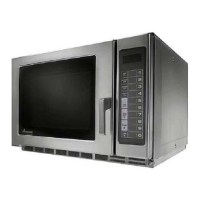
MRC units
Note: When operating a single HV transformer models “Pad 3” operates both Magnetron #1 & #2
Note: Magnetron #1 will not operate on single HV transformer models.
Note: Magnetron #1 & 2 will operate together on single HV transformer models.
Note: On CPI control (Blue Display) ovens open and close door, wait until
“Ready” is in the display before entering Service Test.


 To Next Page
 Loading...