2-1
2 Installation
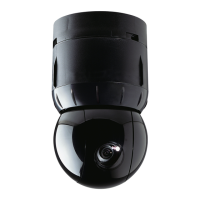
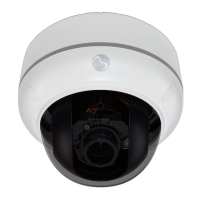
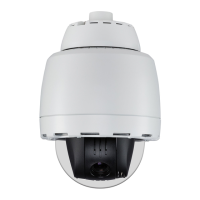
The IPSDU8 can be installed one of three ways: indoor hard mount, using an RHOPN pendant
mount, or using an ROENDC end cap assembly.
Up to 16 IPSDU8s, supplying a maximum of 16 video inputs, can be connected to one Intellex IP
unit, or up to 128 IPSDU8 units can be connected to one VideoEdge™ NVR unit, depending on
the licensing.
Note
More than four domes moving at one time may result in lost frames.
Detailed installation instructions can be found in the Installation Guide 8200-0885-01. The basic
steps involved in installing this product are outlined below:
• Install the hardware
• Configure the software and camera settings.
The full installation process is detailed in the flowchart on the next page.



 To Next Page
 Loading...