Step One:
Press the answer key for 3-5 seconds under shutdown mode, until the red light and blue light
flashing alternately. Don't stop press the button if the red light and blue lights were not flashing .If
there is just the blue light flashing,that means your press time is not long enough, the bluetooth
earphone has not enter the pairing mode yet.
Step Two:
Start the bluetooth function of your cellphone, search for our UFO device, then selecting it.When
finishing pairing, the earphone would send out voice noting. It will enter into ready mode after the
red light and blue light stop flashing.
Multi-point Links Matching Method
Firstly, refer to the matching method we mentioned before ,make sure that the Bluetooth
earphone has been connected with one cellphone already. Then turn off the the cellphone’s
bluetooth function, restart bluetooth earphone to pairing mode to connect with the second
cellphone. After finishing pairing mode with the second cellphone successfully,turn on the
bluetooth function of the first cellphone again, you can connected your first cellphone by clicking
Pair name under “My Device” on your cellphone bluetooth interface.
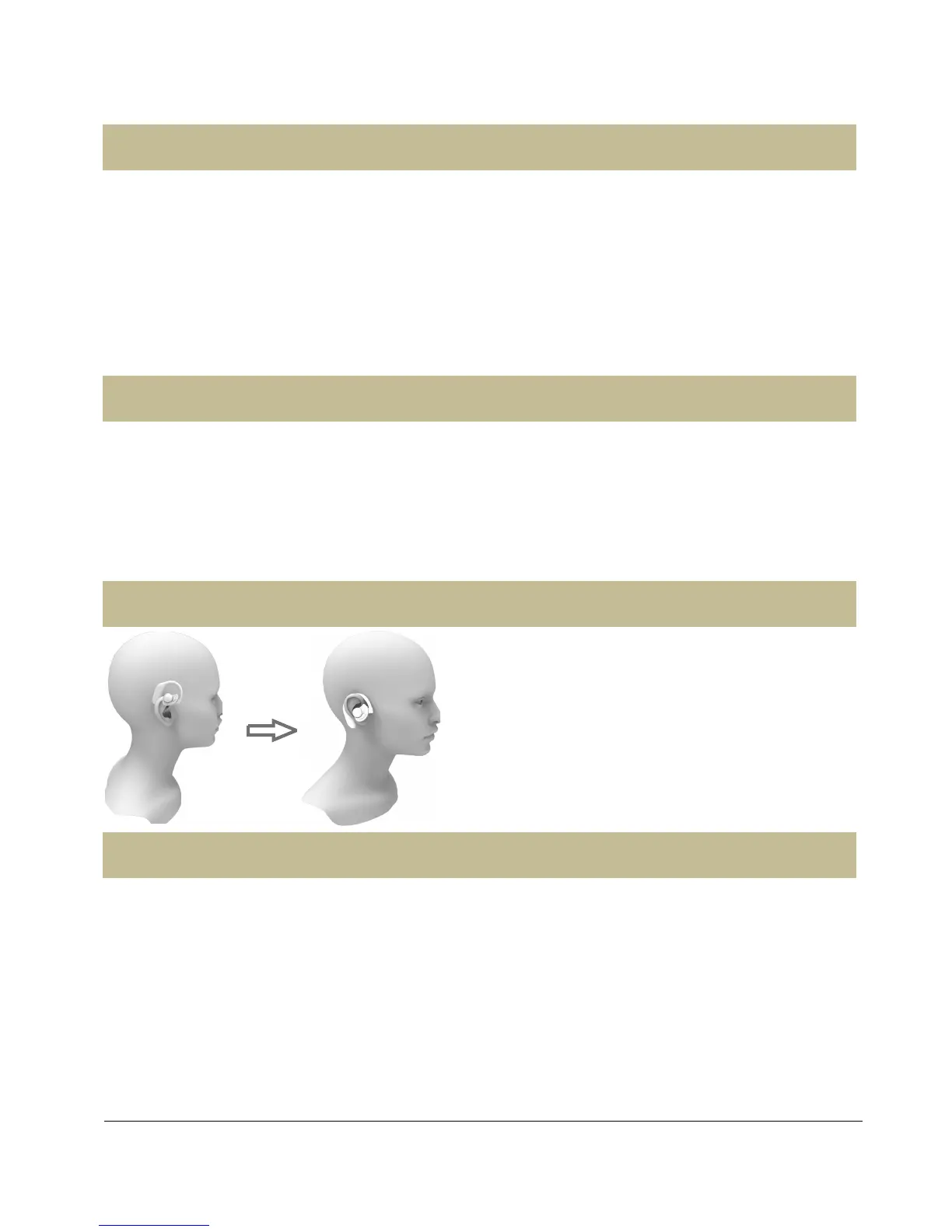
Method and Guidance for Use
★Bluetooth headset signal is not good?
Bluetooth is a short distance wireless communication technology. International certification
standards effective distance is 10 meters, but it does not include any use of the environment and
special conditions. Therefore, for your use, we recommend that you wear headset on the same
side of the cell phone to achieve the best results.
★Bluetooth headset can not match or link?
1, Please check whether the headset has been opened and entered the pairing state (Red
and blue lights flashing alternately)? Earphone is charging properly or no? If the battery is not


 To Next Page