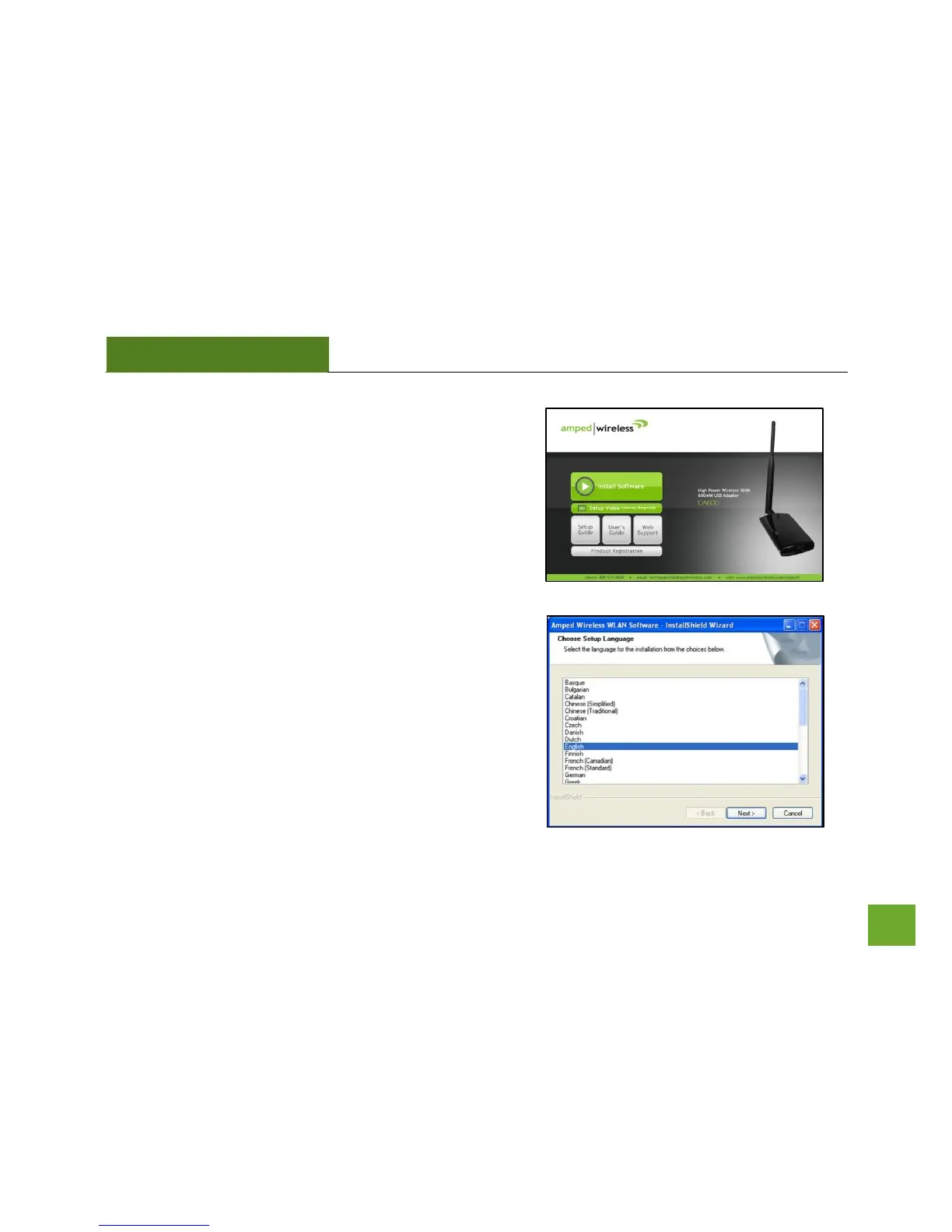
a) When the Menu page appears click on Install Software to
begin the installation process.
If the Menu page does not appear, select Run
Autoload.exe if prompted or browse your Cd drive and
double-click the Autoload.exe file.
b) Select your Language
Select the language for the installation process and click
Next.



 To Next Page