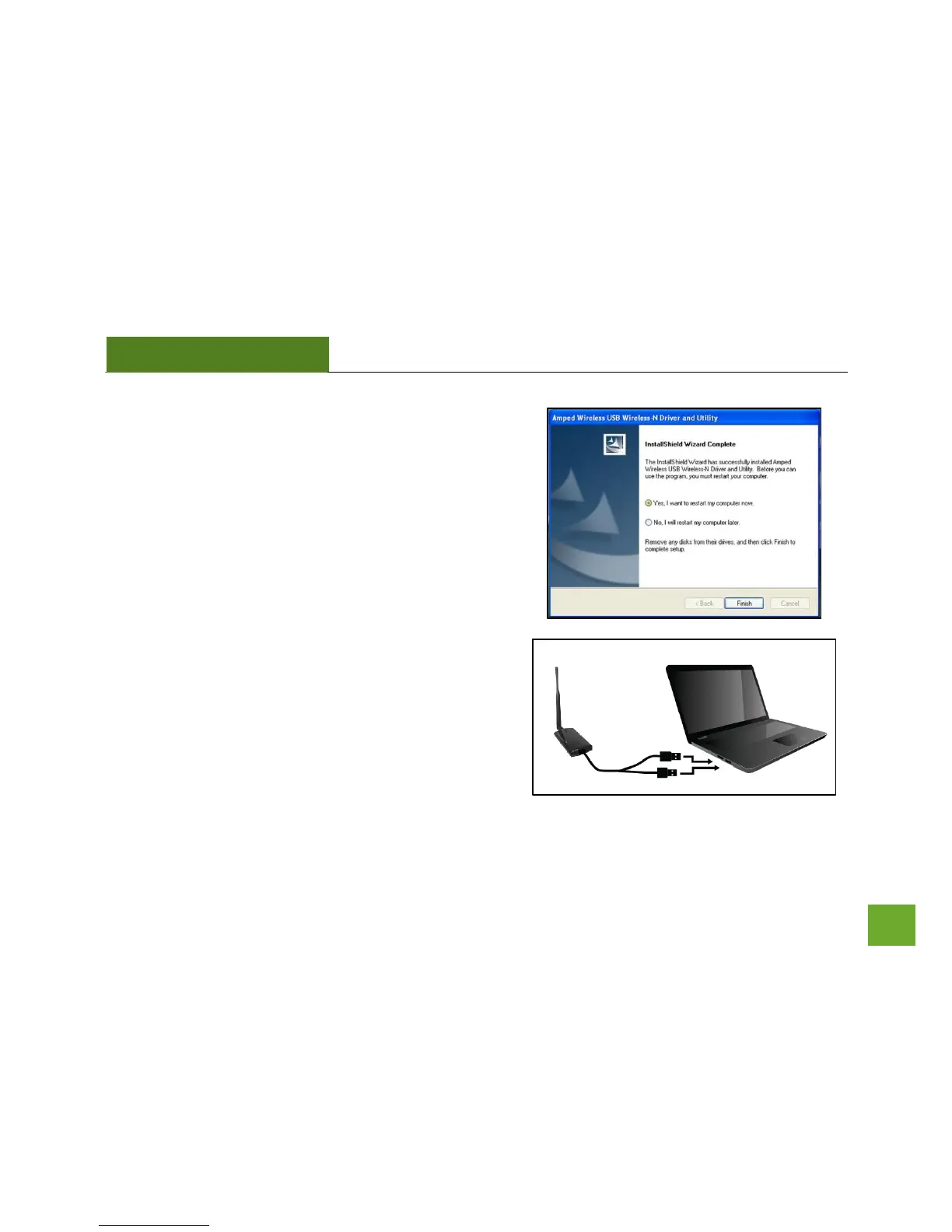
e) Restart your Computer
After the installation has completed, a prompt will appear
asking you to restart your computer. Select Yes and click
Finish to restart.
f) Insert the High Power USB Adapter
After the computer has fully rebooted, locate two
available USB ports and insert the USB Adapter. The
Found New Hardware Wizard should appear.
If only one USB port is available, insert the USB
connector labeled Primary.



 To Next Page