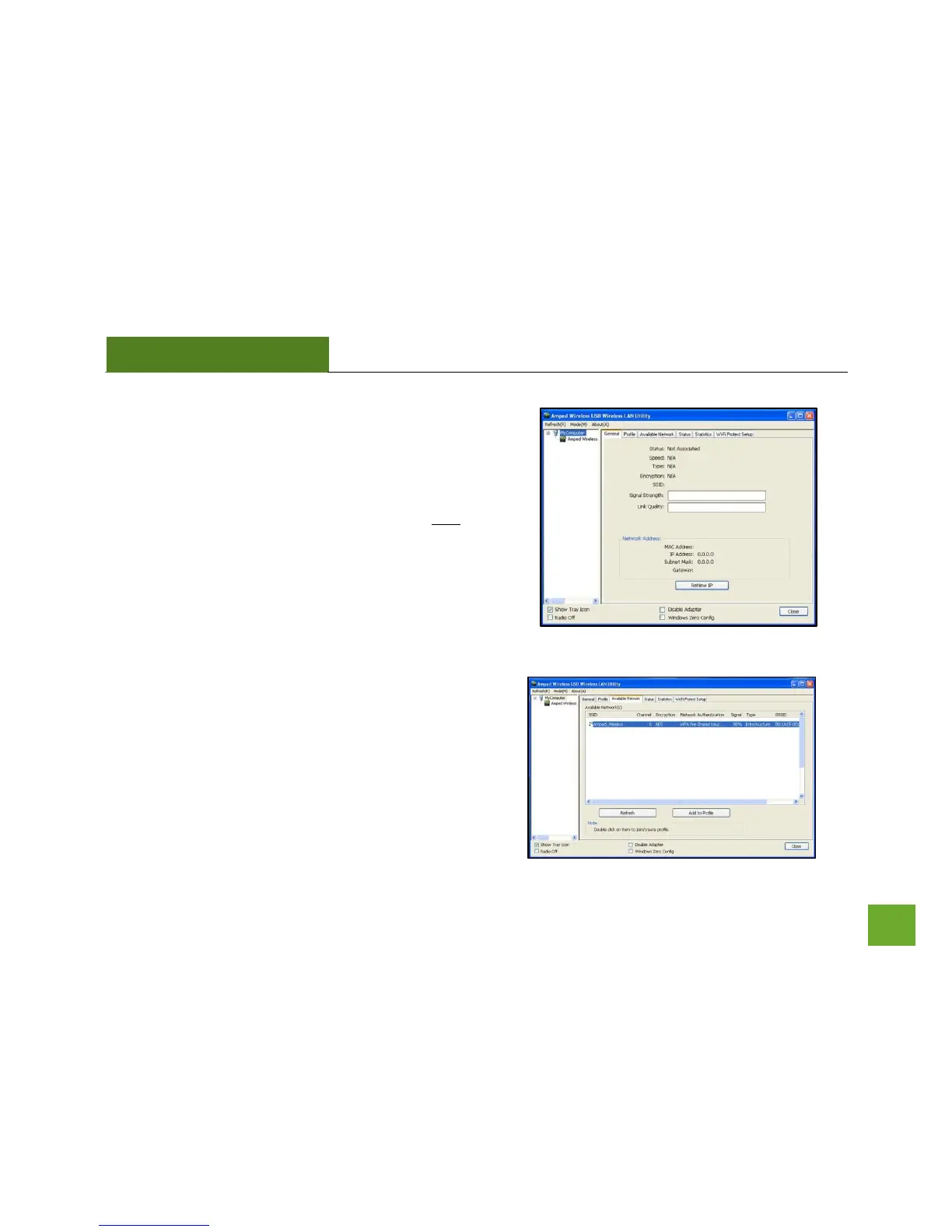
k) Connect to a Wireless Network
Click on the Available Network tab to begin scanning for
available wireless networks.
Note: Before continuing, make sure the following
checkboxes on the bottom of the Utility are NOT checked:
Disable Adapter, Radio Off and Windows Zero Config.
l) Connect to a Wireless Network
Once the Utility has finished scanning for wireless
networks, highlight your network and double-click it to
join the network.



 To Next Page