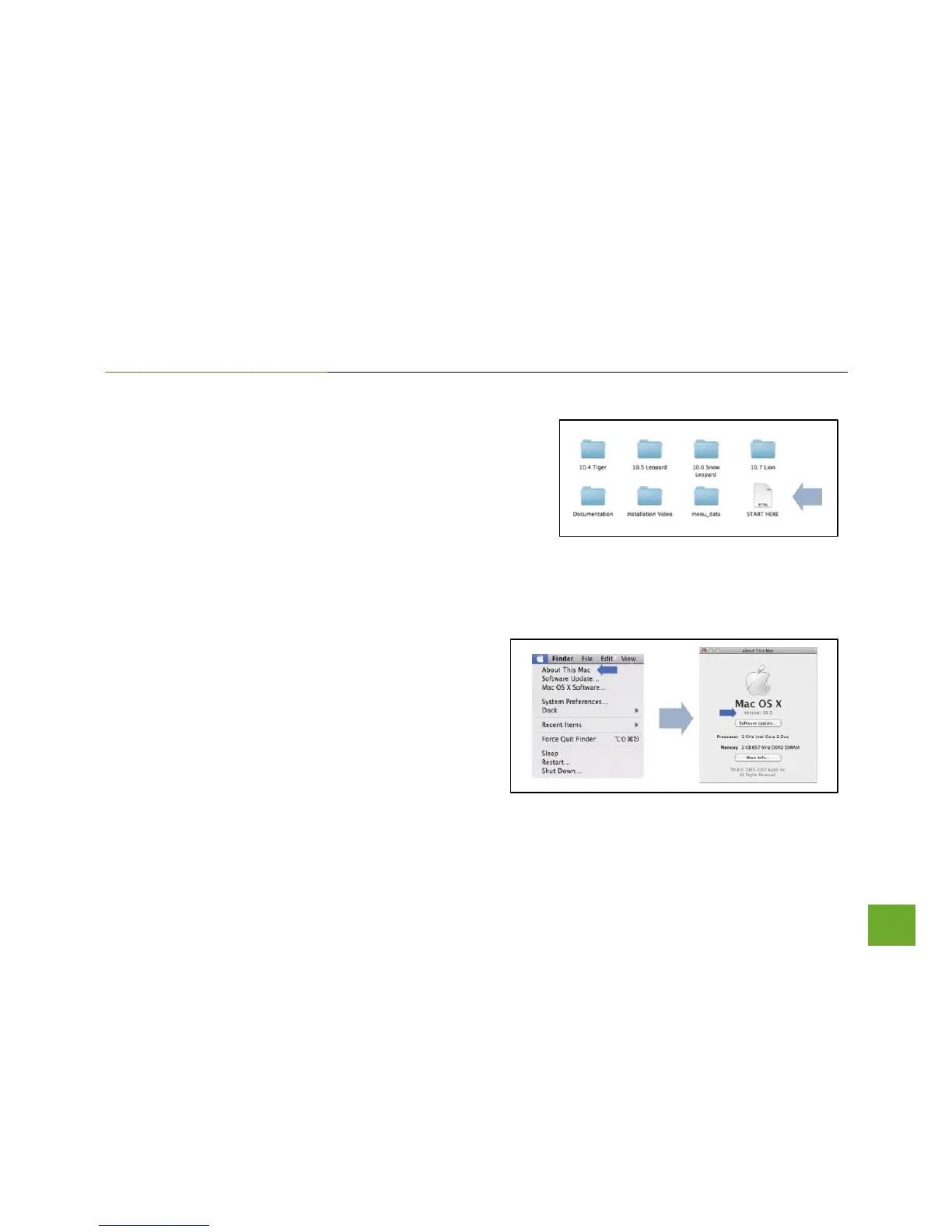
b) Access the Menu Page
From the autoload folder, click on Start Here to open the
Menu. If the CD menu does not load, browse the CD to find
the Start Here file.
c) Find your Operating System Version
Click on the Apple Icon (upper-left corner). Select
About this Mac and note the Mac OS X version.



 To Next Page