s) Connect to a Wireless Network
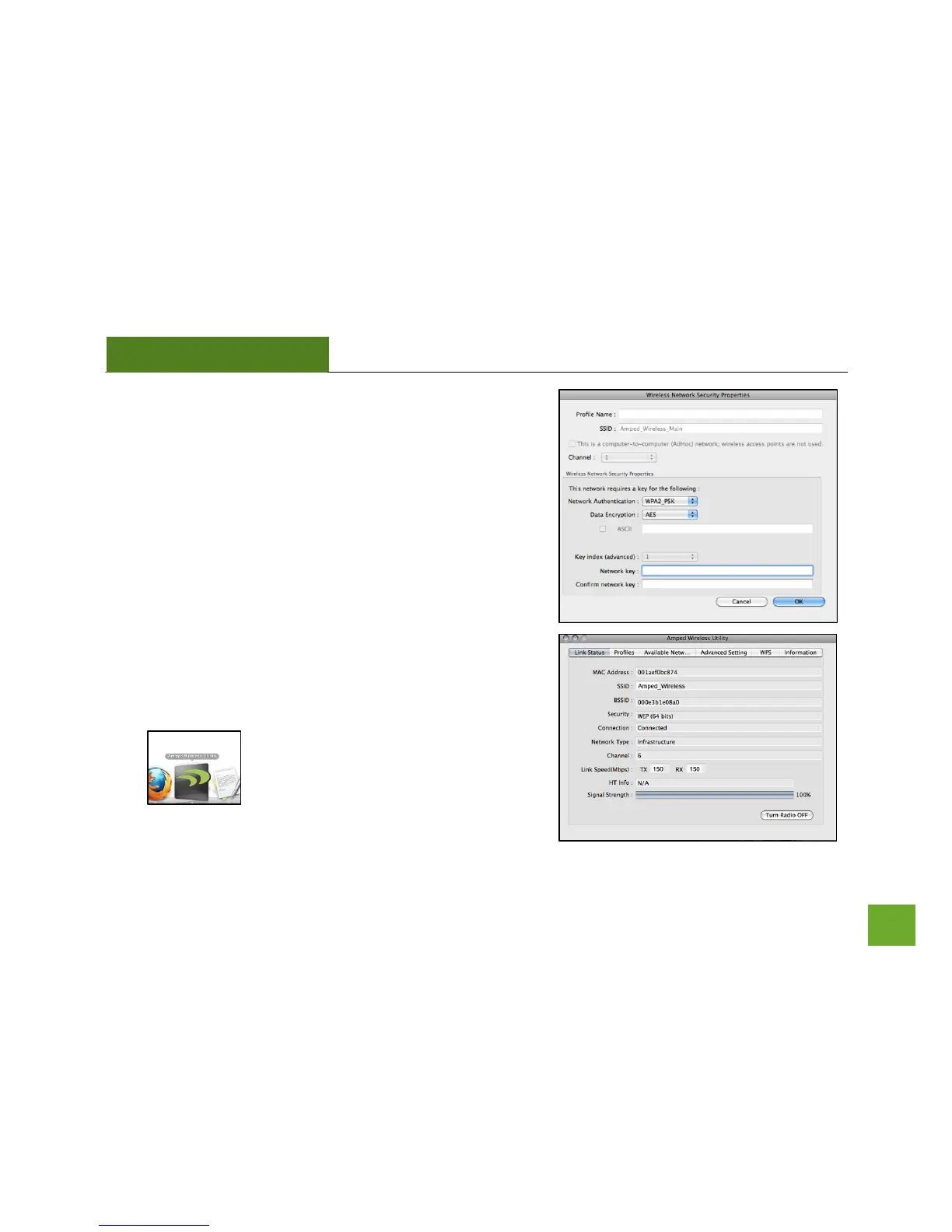
If the network you are attempting to connect to has security
enabled, you will need to enter the security key here. Under
Network Key, enter the key and then confirm the key again
and click OK.
t) Connect to a Wireless Network
Congratulations, you are now successfully connected to your
wireless network. The Link Status tab will show your
connection status and connection quality.
You can access the Amped Wireless Utility
at any time by selecting the icon on your
desktop. (The USB Adapter must be
attached).



 To Next Page