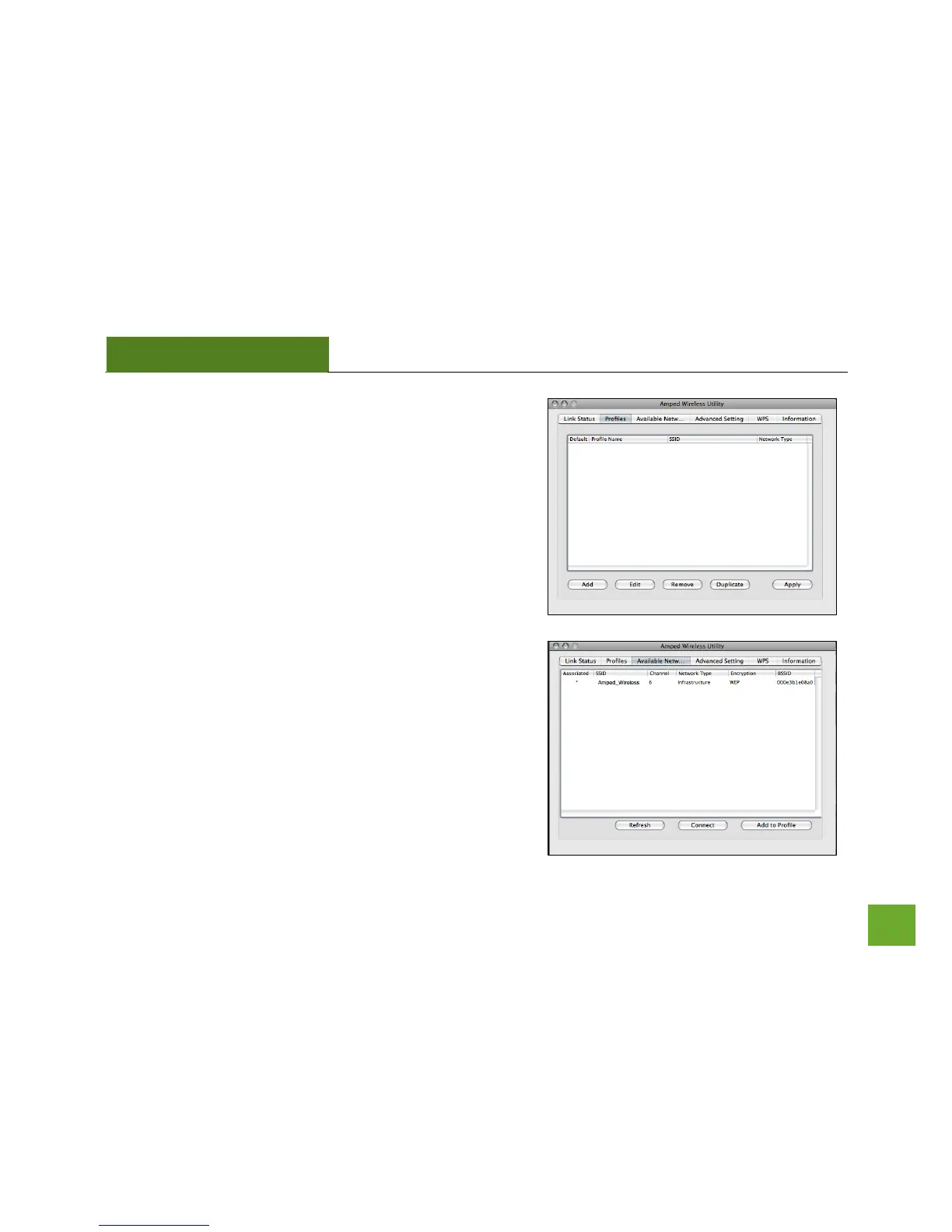
Profile: Save the settings and password to any wireless
connection by using profiles. Profiles allow you to
automatically connect to a saved wireless network whenever
you are in range of the network. Profiles can be ranked in
order of priority in the case where multiple networks are in the
same vicinity.
Available Network: Displays all the available wireless networks
within range of the High Power Adapter. To connect, select the
wireless network and click Connect. Or save the network to a
profile so that the connection is automatically established
when the High Power Adapter is in range of the wireless
network. The available network display also provides detailed
information regarding each network, including the security or
encryption type, network name (SSID) and other additional
information.



 To Next Page