
 Need help?
Do you have a question about the Ampere Dusk and is the answer not in the manual?
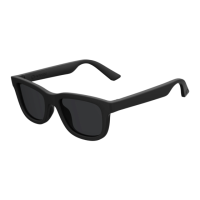
Includes open ear audio and built-in microphones for calls and voice assistants.
Features app-controlled tint adjustment, four preset levels, and UV protection.
Instructions on charging the device using the included cable.
Steps to power on the device and initiate Bluetooth pairing.
Guide to connecting Dusk to your chosen device via Bluetooth.
How to turn the device on and off using the right arm button.
How to activate, deactivate, and adjust lens tint levels using the left arm button.
Using the included USB-C to pogo pin cable and compatible chargers.
Using the optional charging case for extended storage and charging.
Caution regarding dark tint levels and operating vehicles or machinery.
 General
| App Compatibility | iOS and Android |
|---|---|
| Battery Life | Up to 6 hours |
| Connectivity | Bluetooth |
| Audio | Built-in speakers and microphone |
| UV Protection | 100% UVA/UVB |

 To Next Page