----------------------------------------------------------------www.anbes.com-------------------------------------------------------------
2. Power On/Off and Pairing
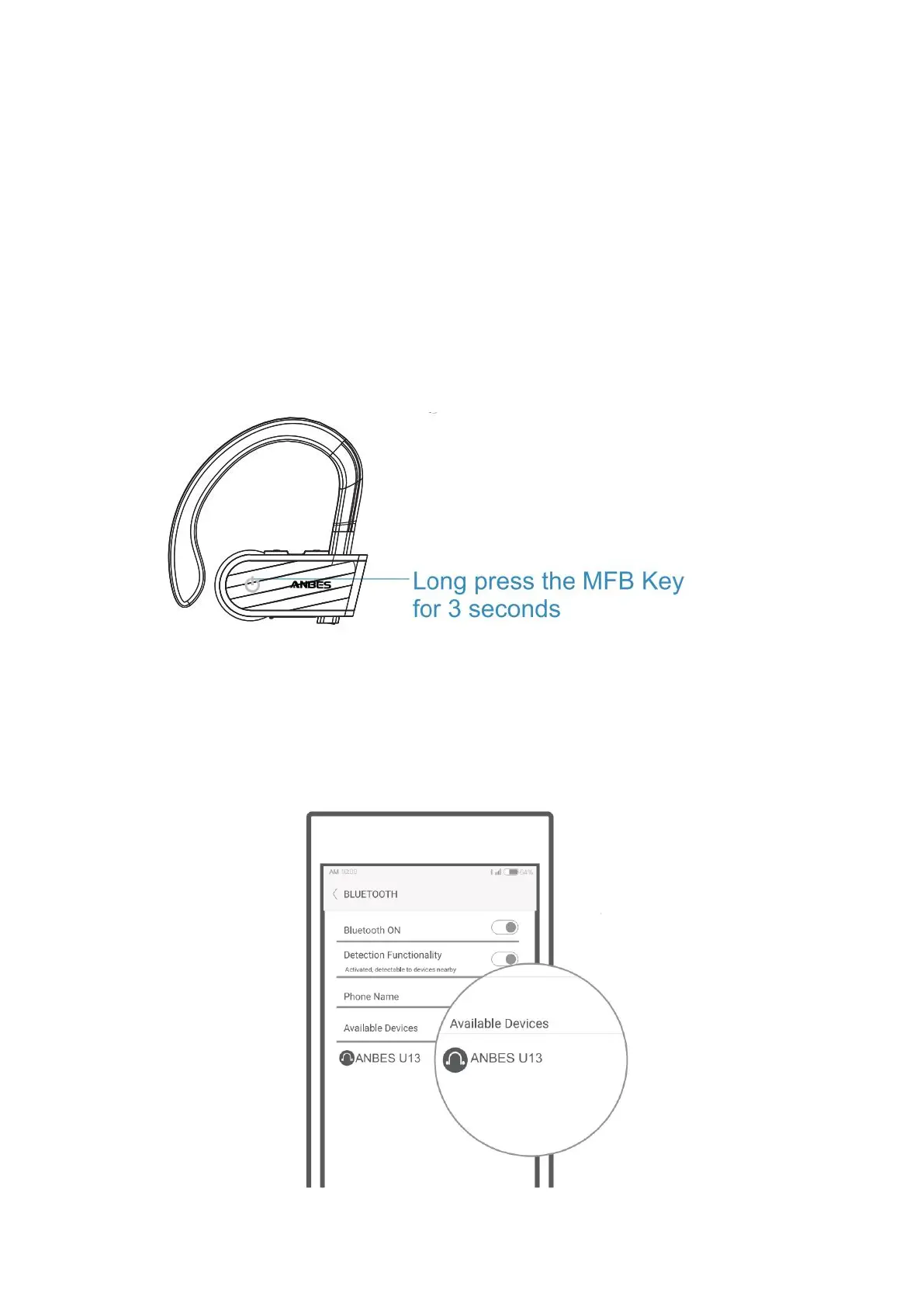
Power On: Long press the MFB Key for 3 seconds until LED
indicator flashes red and blue alternately and it'll automatically
enter the pairing mode.
Power Off: Long press the MFB Key for 3 seconds until the red
indicator light flashes 3 times and going off.
Activate the Bluetooth function of your mobile phone, search and
select “ANBES U13" from the list to connect. (It will connect to the
last paired smart device automatically when it turns on next time. )



 To Next Page