0201
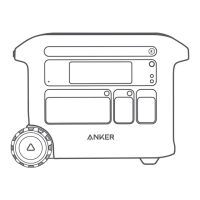
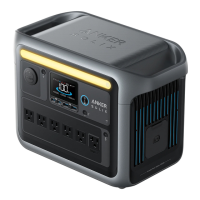
Overview
1
4
6
2
3
5
8
7
10
9
11
13
12
14
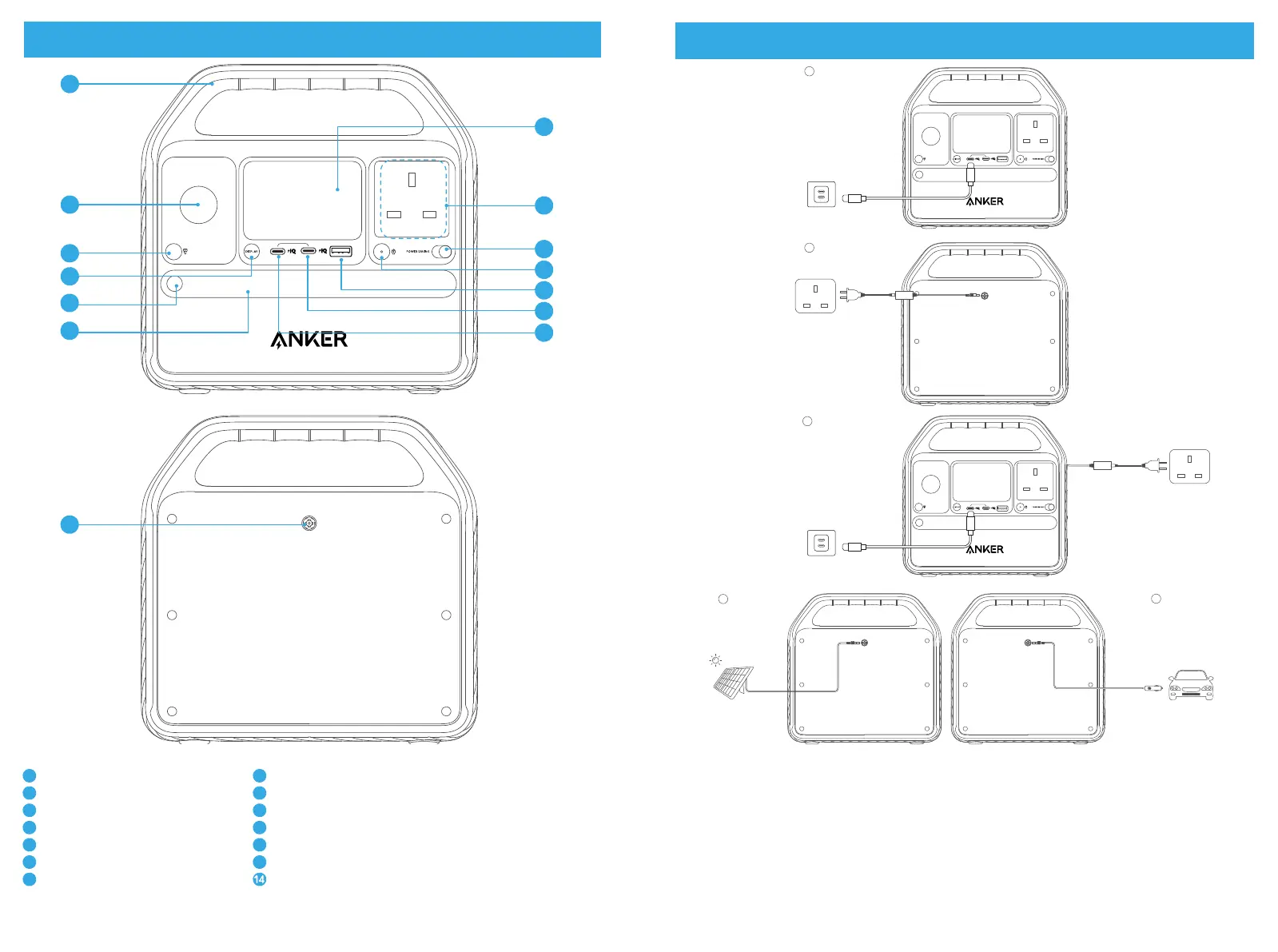
1
Handle
2
Car Socket
3
Car Socket On/Off Button
4
LCD Screen
5
LCD Screen On/Off Button
6
USB-C Input/Output Port
7
USB-C Output Port
8
USB-A Output Port
9
AC Output Port
10
AC Output Port On/Off Button
11
Power Saving Mode On/Off Switch
12
Ambient Light
13
Ambient Light On/Off Button DC Input Port
Recharging Your Power Station
60 W
100 W
160 W
100 W 100 W
1
2
3
5
4
• Please fully charge the product before using it for the first time.
• When your portable power station only has 1% battery remaining, the indicators will flicker to
remind you to recharge the device.



 To Next Page