0201
EN
Using the Battery and the Base
Status
Wireless Charging
Indicator on the
Base
Wireless Charging
Indicator on the
Battery
Battery Level
Indicator
Connected
to power
Solid white for 3
seconds, then off
/ /
Battery placed on / /
Showing the current
battery level, with
the highest power
indicator flashing
Charging your phone after
placing the battery on
Lighting up one by
one, then off
Solid blue
Showing the current
battery level, with
the highest power
indicator flashing
Charging your earbuds / / /
Metal objects detected
Flashing white
quickly
Flashing blue quickly
Showing the current
battery level, with
the highest power
indicator flashing
• •
Overvoltage or
undervoltage protection
• •
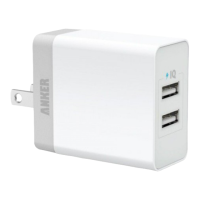
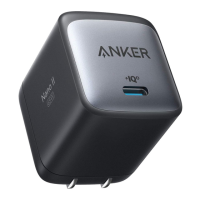
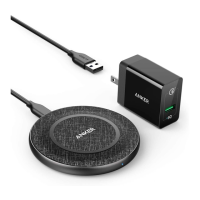
Incompatible AC adapter
connected, indicating that
you need to switch to a
Quick Charge 2.0/3.0 or
Power Delivery adapter
Only LED lights on
the two sides flash
white
Off Off
Using the Battery Only
Status Wireless Charging
Indicator on the
Battery
Battery Level Indicator
Activated
/
Lighting up one by one and then showing the
current battery level
Being charged
/
Showing the current battery level, with the
highest power indicator flashing
Fully charged Solid blue, then off
after 10 minutes
Solid blue, then off after 10 minutes
Wirelessly charging
the iPhone 12 series or
later
Solid blue Showing the current battery level
Wirelessly charging
the iPhone 12 series
or later while being
recharged
Solid blue Showing the current battery level, with the
highest power indicator flashing
Metal objects
detected
Flashing blue quickly Showing the current battery level
• •
Overvoltage
or undervoltage
protection
• •
Incompatible AC
adapter connected,
indicating that you
need to switch to a
Quick Charge 2.0/3.0
or Power Delivery
adapter
Off Off
Charging using a cable Off Showing the current battery level



 To Next Page