English 06
EN
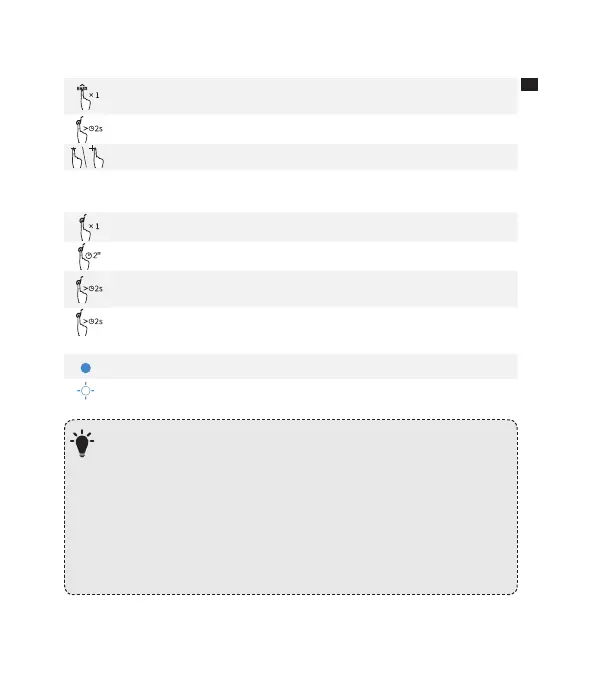
Press once to activate bass
Note: Press again to switch back to Normal Equalizer.
Activate Siri / Other Voice Control Soware
Volume Up / Down
Mobile phone
Answer Call / End Call
Reject Call / Switch between a call on hold and an active call
End current call and answer incoming call / End current call and switch
to call on hold
Switch audio source between Speaker and Phone
Solid Blue On a Call
Flashing Blue Incoming Call
When turned on, Soundcore Motion+ will automatically connect to the
last connected device if available. If not, press the Bluetooth button to
activate pairing mode.
To pair a dierent device, press the Bluetooth button to re-enter pairing
mode. Then repeat the pairing steps.
Having connection problems? Remove Soundcore Motion+ from your
device’s Bluetooth history and ensure it’s less than 3 feet away. Then try
pairing again. To get the best sound quality, make sure there is a clear
line of sight between the connected device and your speaker.
6



 To Next Page