II:STEPS FOR CLOUD ACCESS FROM INTERNET EXPLORER
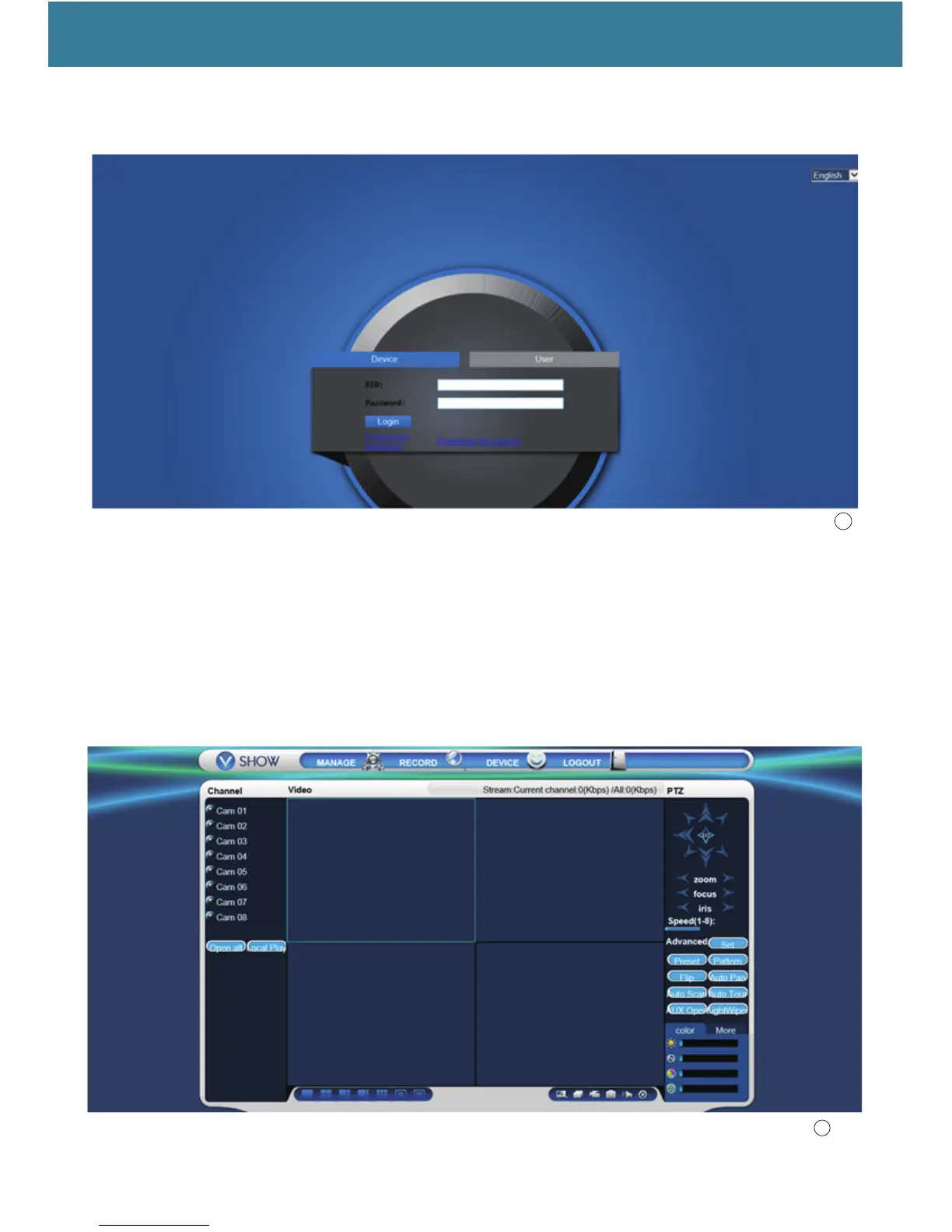
1,Enter the link : www.atvcloud-ahd.com into your internet explorer,it shows as below:You can set language
by yourself.
2,Close your Anti-virus software of your computer and click’download the ActiveX’,when you have finished
downloading and running the ActiveX,pls click’Device’ and enter the ‘UID’,pls note:UID is the serial
number and lsft the password blank,you don’t need to enter anything intothe password. And then click
login to continue.
3,When youfinsih login, you can see the picture below:
21
20



 To Next Page