Install An EX
HOW TO INSTALL AN EX:
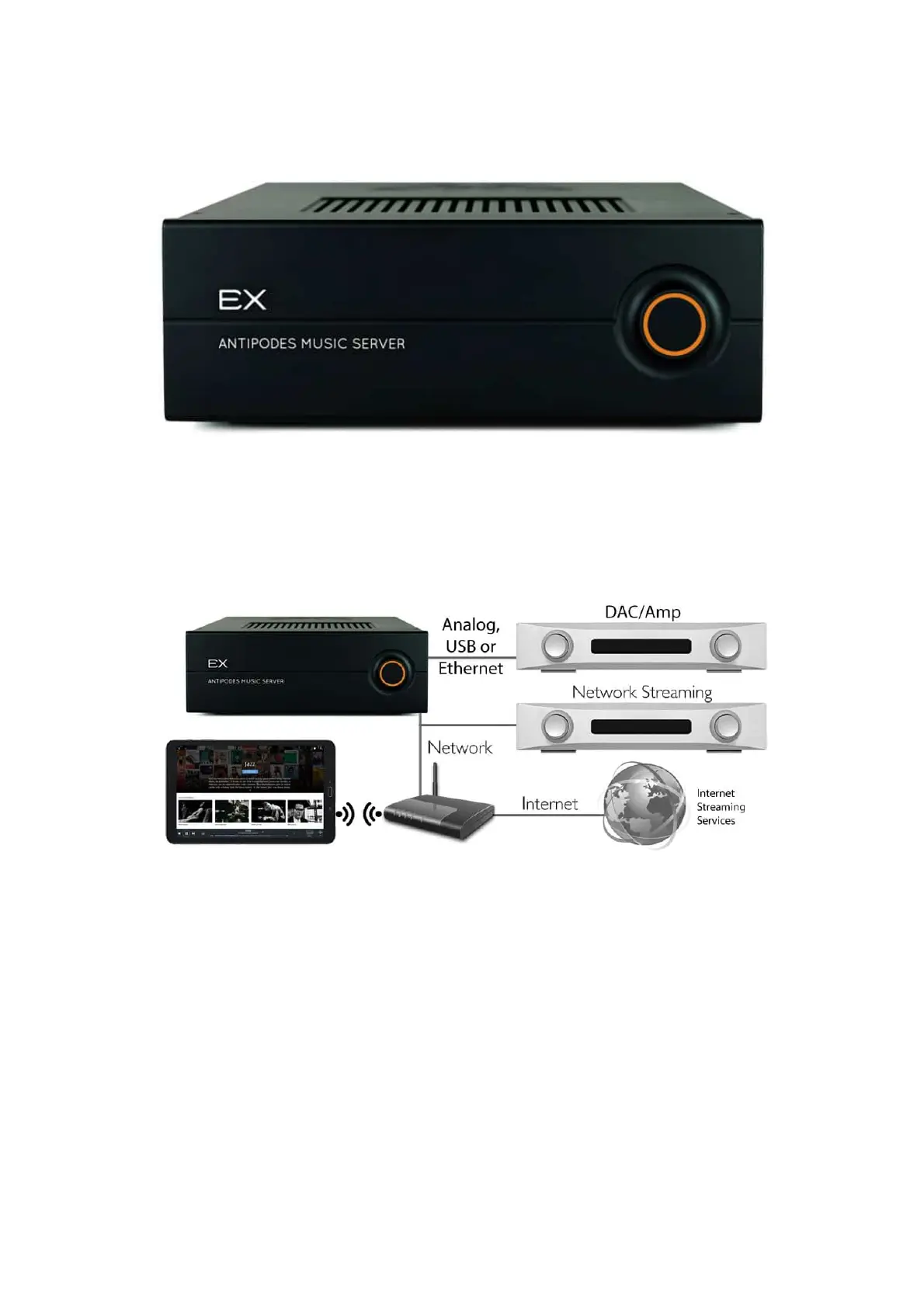
The image below illustrates all EX functions
This is broken down into the four separate functions below. Select the tabs to see the network conguration and the rear panel connections for
each function. You can make the connections shown to run either functions 1, 3 and 4, or functions 2, 3 and 4 at the same time.
1. Play from the EX to your Amplier via Analog Interconnects
CongurationConnections



 To Next Page